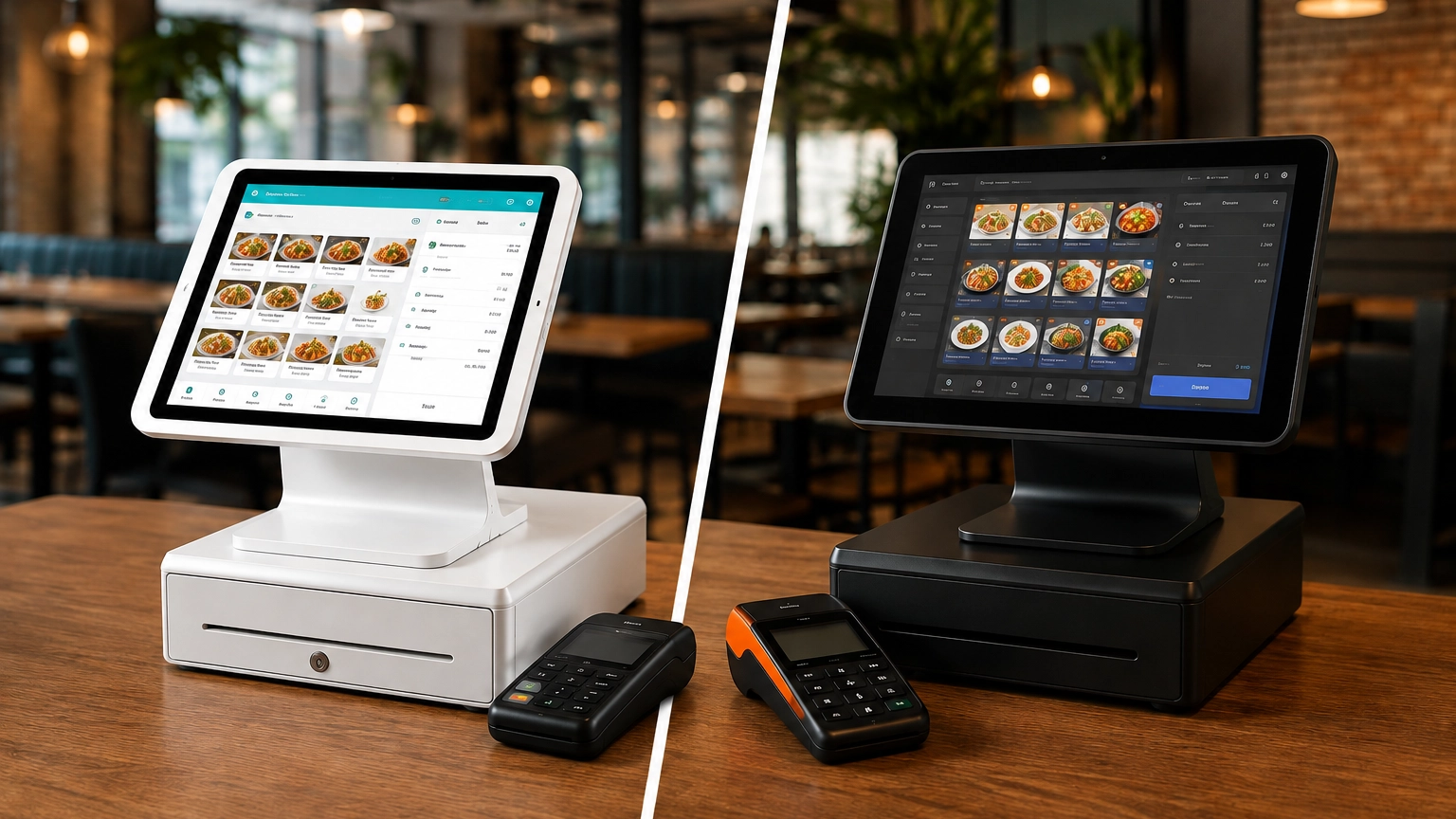
TouchBistro vs Toast: Which Is Better for Restaurants?
TouchBistro and Toast are both purpose-built restaurant POS systems, but they suit different restaurant operations. Toast
Last updated 30/09/2026
The cost of a POS system varies depending on your software, hardware, payment processing fees, and operational needs. A sole proprietor or small business may only need a basic card reader and POS app, while retailers, restaurants, and multi-location businesses often require additional hardware such as terminals, receipt printers, barcode scanners, kitchen display systems (KDS), and inventory management tools.
Understanding the associated costs is key to finding a system that meets both your budget and business goals. Check out our full POS system pricing guide, where we compare providers, plans, and pricing. In this guide, we’ll explain what affects POS system costs and how to find the right one for your business.
The cost of a POS system depends on the software, hardware, payment processing fees, and features you choose. You may only need a basic card reader and entry-level software to start accepting payments, or you may require a more advanced setup with multiple terminals, inventory tools, and industry-specific features.
Rather than focusing solely on the monthly subscription fee, assess the total cost of ownership, including hardware, transaction fees, setup, support, and any optional add-ons. Remember, provider pricing can change over time, and they may also run limited-time offers, so always check their current costs before committing.
| Cost Area | Typical Cost Consideration |
|---|---|
| POS software | Monthly subscription or plan-based fee, depending on the features you need |
| Hardware | Card readers, terminals, registers, receipt printers, barcode scanners, and other equipment |
| Payment processing | Per-transaction fees or percentage-based charges that vary by provider and payment type |
| Setup | Installation, onboarding, hardware configuration, or data migration where applicable |
| Add-ons | Inventory management, staff management, loyalty programs, online ordering, reporting, and other advanced features |
| Support | Included support on some plans, with premium support available from certain providers |
While Square, Toast, and Clover all combine POS software, payment processing, and hardware, they focus on different business needs. The table below compares their core features to help you identify which provider best matches your business.
POS software is typically offered through a monthly subscription, although some providers may offer free plans with limited functionality. As your business needs grow, you can upgrade to paid plans that unlock additional features.
Providers may also base their pricing on the number of locations, registers, or terminals you use once you exceed the number in your plan. If you’re a small store with a single register, you’ll likely pay less than a restaurant operating across multiple venues.
Premium features commonly reserved for higher-tier plans may include advanced inventory management, detailed sales reporting, customer relationship management (CRM), employee management, and analytics. Some providers may include ecommerce and online ordering integrations as part of your subscription, while other providers may charge extra.
Restaurants often require industry-specific tools such as table management, menu customization, or order routing. Typically, these features will only be available on more advanced plans.
Cheaper plans may seem appealing at first, especially if you’re just starting out. However, if you’re a growing business with more complex requirements, paying for a system that actually meets your needs both today and can grow can provide better long-term value, even if the monthly subscription costs more.
POS hardware varies depending on your business type and how and where you accept payments. Mobile businesses may only need a card reader connected to a cellphone, while larger, multi-location businesses will likely need a complete POS system with additional, possibly industry-specific hardware.
Common hardware includes:
Restaurant-specific hardware is also available for hospitality businesses. For example, kitchen display systems (KDS) allow floor staff to route orders directly to the kitchen to streamline communication and replace paper tickets during service. Customer-facing displays also allow customers to review their orders, view taxes, and complete payments independently.
It’s important to match your hardware with your specific needs. Buying unnecessary hardware will increase your upfront costs, only for it to never be used, while investing in the right equipment can offer the best value.
Payment processing fees are often one of the highest ongoing costs of owning a POS system. You are charged a fee every time you accept a card or other electronic payment, and it can quickly add up, especially if you process large numbers of sales.
Fees vary depending on provider, pricing structure, and transaction volume. The way you accept payments also affects your processing costs, with in-person payments typically having lower processing costs than online or manually keyed transactions. This is because card-present transactions carry a lower fraud risk to payment processors.
These fees can quickly eat into your profitability if you don’t account for them when comparing providers. A provider with a higher monthly subscription but lower transaction rates may cost less overall than one with a cheaper software plan and higher processing fees.
Some POS systems are designed for self-setup, allowing you to create an account, connect your hardware, and start accepting payments with minimal technical knowledge. However, more advanced systems may require additional support to help configure menus or inventory, import product data, install hardware, set up multiple locations, or train staff.
Depending on the provider, this support may be included in your plan, while others charge an additional fee.
If you operate a larger retail business or restaurant, investing in professional installation and onboarding can help save you time and help ensure your POS system is configured correctly from day one.
Many POS providers offer additional features through higher-tier plans or optional add-ons that expand your POS system beyond its core functionality. Although some integrations may be free or included with higher-tier plans, others are available as paid add-ons that increase your monthly subscription.
These include:
Before choosing a POS system, consider the tools you’ll actually use, instead of paying for features that don’t meet your needs.
Overall, POS system costs are largely determined by how you run your business. An online retailer will have widely different needs than a multi-location full-service restaurant. The table below outlines the typical POS requirements and cost considerations for different types of businesses.
| Business Type | Typical POS Needs | Cost Considerations |
|---|---|---|
| Small retail store | Inventory management, barcode scanning, receipt printing, returns management, and ecommerce integration. | Retail POS system costs can increase as you add inventory tools, additional registers, or ecommerce capabilities. |
| Restaurant | Table management, menu management, kitchen display systems (KDS), handheld ordering devices, and online ordering. | Restaurant POS systems often require specialized software, additional terminals, kitchen hardware, and third-party integrations. |
| Café or quick-service business | Fast checkout, menu management, customer-facing displays, receipt printers, and mobile ordering. | Customer-facing displays, mobile ordering, and specialized hospitality features can increase overall costs. |
| Bar | Tab management, age verification, inventory tracking, handheld payment devices, and staff permissions. | Hospitality-specific software and additional hardware can increase both upfront and ongoing costs. |
| Salon or appointment-based business | Appointment scheduling, customer profiles, staff management, payment processing, and automated reminders. | Booking tools, customer management features, and staff scheduling are often included in higher-tier plans or available as paid add-ons. |
| Mobile business | Card reader, smartphone or tablet, and a mobile POS app. | A simple setup with minimal hardware can help keep upfront costs low while still allowing you to accept payments anywhere. |
| Ecommerce-led retailer | POS and online store integration, centralized inventory, and customer profiles. | Integration capabilities, inventory synchronization, and online selling tools can influence both subscription and processing costs. |
| Multi-location business | Centralized reporting, staff permissions, inventory synchronization, and multiple terminals or registers. | Costs often increase with each additional location, register, or user, making scalability an important consideration. |
Understanding the hardware you need is key to getting the best value from your POS system. Overpaying for hardware you’ll never use will increase costs, while not getting essential hardware may result in a system that doesn’t fully meet your needs.
Mobile POS systems are ideal if you operate on the move: think pop-up shops, self-employed tradespeople, market sellers, or mobile services. These systems are portable, affordable, and simple to use, making them a popular choice if you’re just starting or need to accept payments on the go.
Typical hardware includes:
Standard countertop POS systems are the ones you’ll often see in cafés, small stores, salons, and service counters. They accept payments from a fixed position and provide a balance between cost and functionality while offering more features than a basic mobile setup.
Typical hardware includes:
Restaurants, bars, cafés, and quick-service businesses typically require more specialized hardware than other industries. To accommodate multiple ordering stations, kitchen communication, and fast service, additional equipment is often required.
Typical hardware includes:
If you operate multiple locations or plan to expand, then you need a POS system that can manage inventory, staff, and reporting across every site from a single platform.
Typical hardware and software include:
Yes, some providers do offer genuinely free POS software. However, there are a few important caveats. Square and SumUp are both popular providers that offer free POS software, and if you’re a smaller business with very basic POS requirements, this may be enough. However, this is only for software, and functionality is typically limited compared to paid plans.
If you also need hardware, such as a card reader, tablet, or receipt printer, you’ll typically have to purchase them separately.
If you accept card payments, you’ll be charged processing fees and, where applicable, chargeback fees or other payment-related charges.
As you grow, your POS needs may become more complex, and you may need to pay for features such as advanced reporting, staff management, ecommerce tools, inventory management, or customer loyalty programs.
Free POS software can be useful in your first steps as a business, but you may quickly outgrow its limited functionality. Before choosing a provider, compare the total cost of ownership, including hardware, payment processing, and any optional upgrades you may need as your business grows.
When comparing POS systems, look beyond the monthly subscription and consider the factors that influence the total cost of ownership.
Number of locations: Multi-location businesses often need additional software licenses, registers, and centralized management tools.
Number of terminals: Each additional terminal or register may increase your software subscription and hardware costs.
Business type: Different industries require different features and hardware, affecting the overall cost of your POS system.
Sales volume: The more payments you process, the more you will typically pay in processing fees.
In-person vs. online payments: If you sell online as well as in-store, you’ll need a POS system that supports ecommerce, and online transactions typically have higher processing fees than in-person payments.
Inventory complexity: If you have large or multi-location inventory needs, you may benefit from advanced inventory management features that may only be available on higher-tier plans.
Staff users: Some providers include a limited number of user accounts, while others charge for additional staff members or advanced permission settings.
Customer loyalty requirements: Features such as loyalty programs, gift cards, and customer relationship management (CRM) may require higher-tier plans or paid add-ons.
Integrations: Accounting software, ecommerce platforms, payroll, or other business tools may increase total cost.
Contract terms: Some providers offer month-to-month plans, while others require longer contracts with early cancellation fees.
Support requirements: Premium onboarding, dedicated account managers, and priority technical support may come at an additional cost.
Hardware leasing vs. buying outright: Buying hardware upfront usually means a higher initial investment, while leasing spreads the cost over time but may be more expensive in the long run.
The cheapest POS system may seem appealing, but it isn’t always the most cost-effective option. Lower monthly software fees look great on paper, but combined with higher transaction fees, limited features, and paid add-ons, your overall costs can quickly increase.
Look beyond the monthly software fees and assess what features you need to run your business; a pop-up market stall will require fewer features and specialist hardware than a full-service restaurant.
Inventory management, advanced reporting, restaurant-specific tools, and ecommerce integration may come at the expense of a higher-tier plan. Still, if they’re essential to your business, then a higher-tier plan will provide better value in the long run.
Ultimately, the best value doesn’t come from how much you pay each month. It comes from choosing a POS system that fits your business today and aligns with your growth plans.
When comparing POS systems, don’t focus on just the headline monthly price. Instead, take your time and use the checklist below to identify all associated costs and whether that provider really is the right fit for your business.
At Commercial Experts, we help you compare POS system options based on your business type, budget, and payment requirements. This helps you find a system that offers the best long-term value, not just the cheapest option.
The cost of a POS system involves much more than just the monthly software fee. Your hardware requirements, payment processing fees, add-ons, and how you run your business all contribute to your total cost of ownership.
If you have simple business requirements, your POS setup and overall costs are likely to be lower. If you have more complex operational needs that require specialist features, then expect to pay a bit more. While the higher-tier plans cost more each month, they can provide better long-term value.
The best POS system isn’t necessarily the cheapest; it’s the one that meets your needs, growth plans, and budget requirements. To learn more about point of sale system costs, check out our POS system pricing guide or compare POS systems.
The cost of a POS system for a small business depends on the software plan, hardware, payment processing fees, and any additional features or add-ons you need. A basic setup may only require a card reader and entry-level software, while more advanced requirements can increase your overall costs.
The cheapest POS systems are often app-based solutions that work with a simple card reader and offer free or low-cost software plans. The cheapest option isn’t always the best value if you require additional features.
Many POS providers charge a monthly software subscription, although some offer free or entry-level plans. However, you may still need to pay for hardware, payment processing, and optional add-ons.
It depends on how you sell. If you operate a mobile business or pop-up shop, a card reader and smartphone may be enough. Retail stores, restaurants, and other fixed-location businesses often require terminals, receipt printers, barcode scanners, or other specialized hardware.
In most cases, no. Payment processing fees are usually charged separately from your monthly software subscription and can vary depending on your provider, pricing plan, and the type of transaction you process.
Restaurant POS system costs vary depending on the software, hardware, and number of terminals you need. They often cost more than standard retail setups because they include features such as table management, menu customization, kitchen display systems, handheld ordering devices, and online ordering.
Compare providers carefully, review payment processing fees, avoid paying for features you don’t need, choose hardware that matches your business, and check contract terms before signing up. Focusing on the total cost of ownership can help you find the best long-term value.
TouchBistro and Toast are both purpose-built restaurant POS systems, but they suit different restaurant operations. Toast
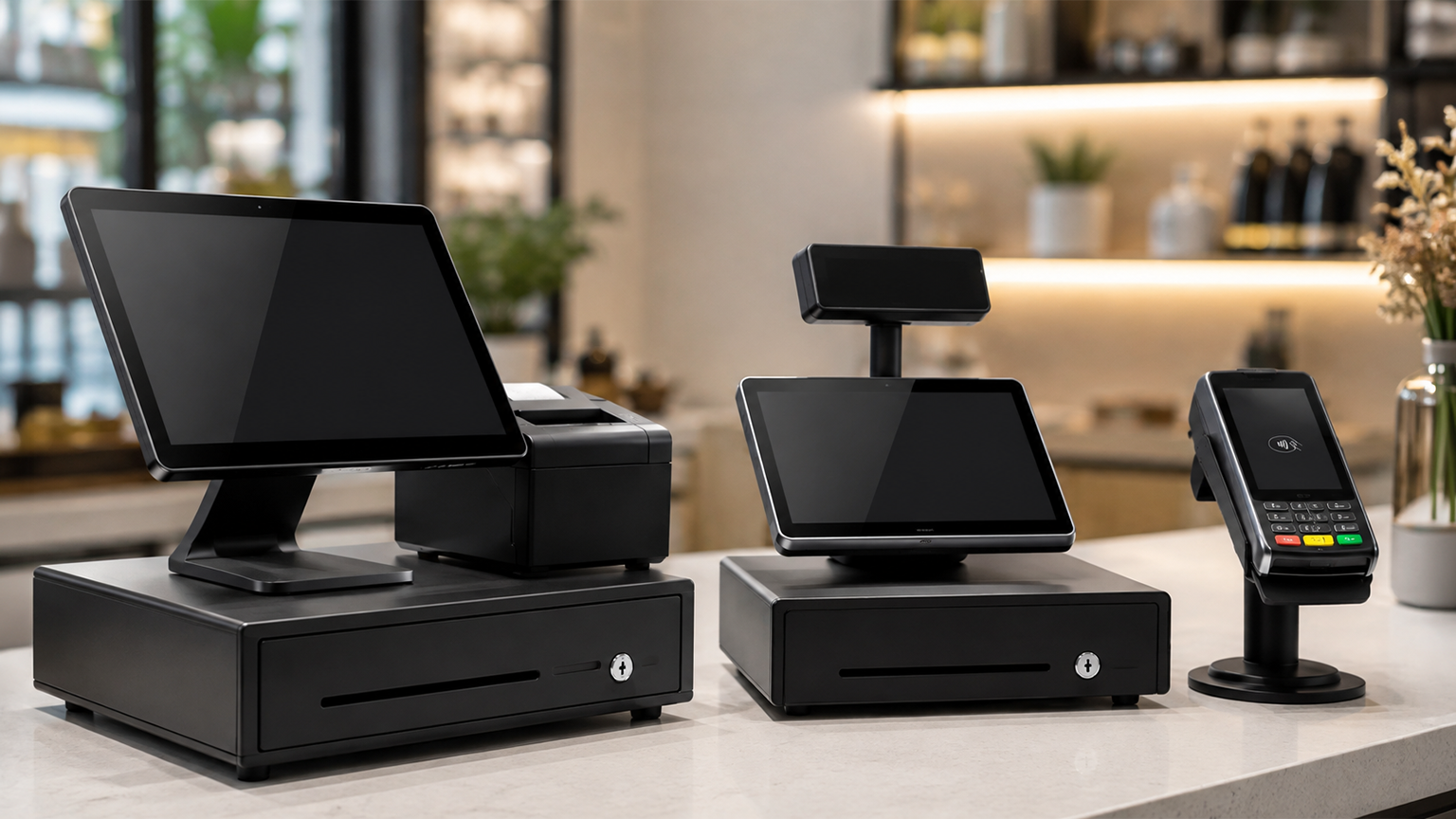
Although POS systems, cash registers, and credit card machines all help you accept payments at checkout,
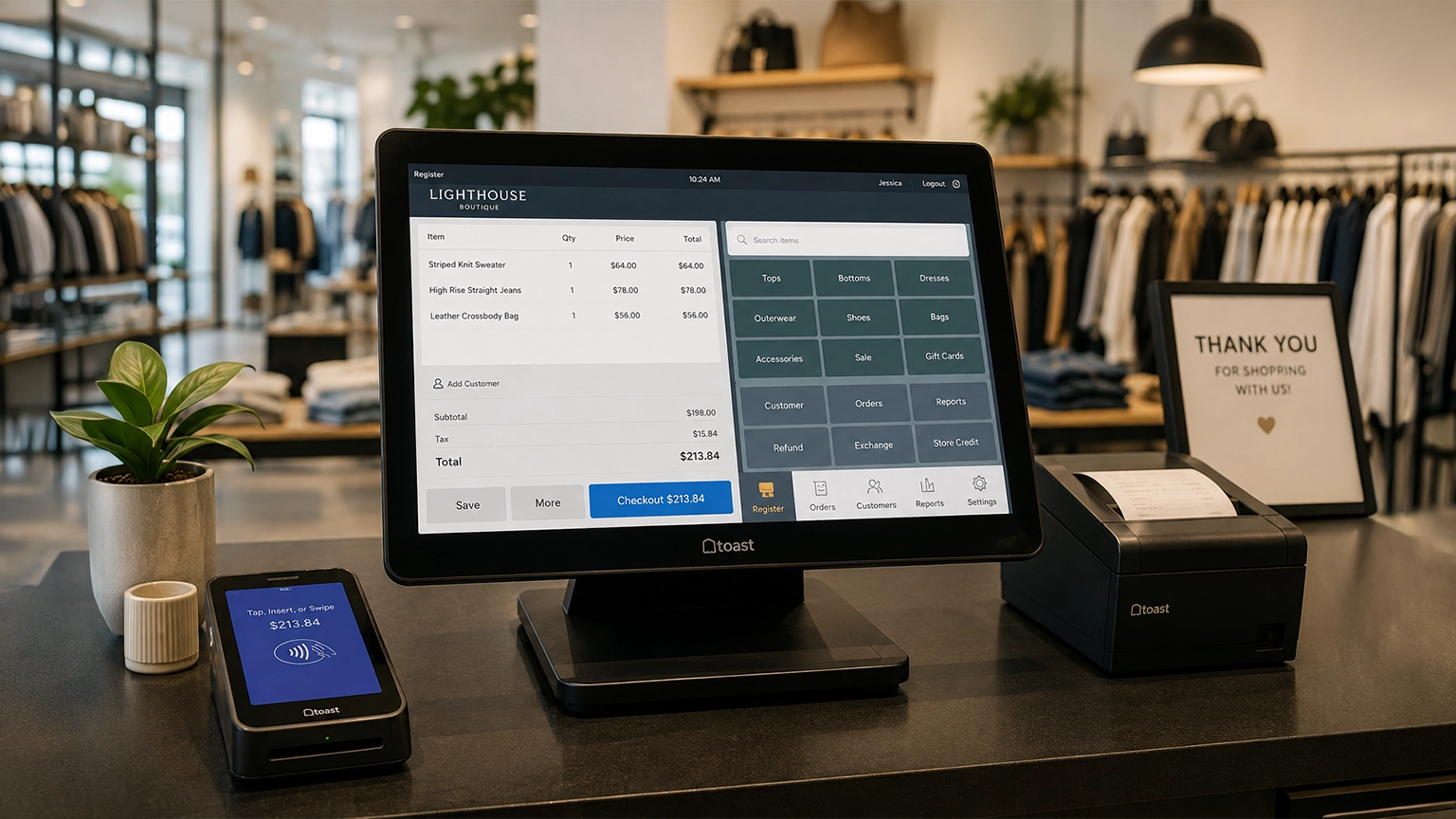
Retail POS systems do much more than process payments. Depending on your provider and plan, they