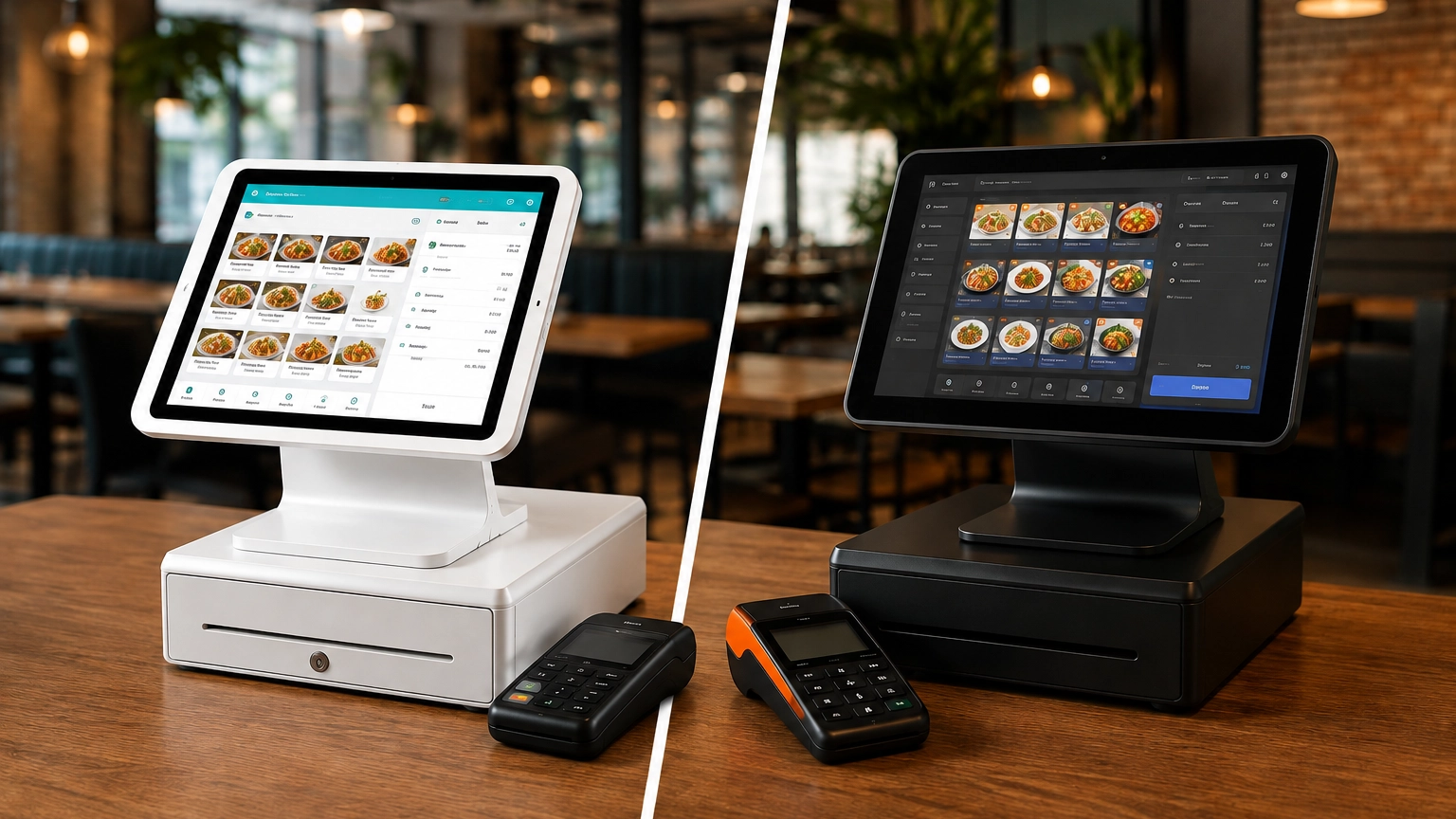
TouchBistro vs Toast: Which Is Better for Restaurants?
TouchBistro and Toast are both purpose-built restaurant POS systems, but they suit different restaurant operations. Toast
Last updated 26/08/2026
POS system pricing can range from free software to enterprise solutions costing more than $300 per month, while hardware can cost anywhere from around $50 for a basic card reader to several thousand dollars for a complete checkout setup. Most small businesses can expect to pay $25 to $100 per month for POS software, plus payment processing fees and the hardware needed to accept payments.
The total cost of a POS system depends on several factors, including your software plan, the hardware your business requires, your transaction volume, your industry, the POS provider, and the features you need. Mobile businesses may only require a tablet and a card reader, while multi-location restaurants may require multiple terminals, kitchen display systems, handheld ordering devices, and more advanced software.
When comparing POS systems, look beyond the advertised monthly subscription price. Assessing all factors side-by-side will give you a much clearer picture of which POS system offers the best value for your business.
POS system costs vary depending on your software, hardware, payment processing, and setup needs. Although free software is available, larger businesses are likely to pay $300+ for enterprise solutions. Hardware costs can range from $50 for a basic card reader to several thousand dollars for a complete POS system.
Entry-level POS systems: Some providers may offer free software, but paid plans often begin at $25 per month. These are well-suited to small businesses with basic sales and payment processing needs.
Mid-market POS systems: Mid-market POS solutions generally cost $50 to $100 per month. They offer additional features such as advanced reporting, inventory management, and customer relationship management tools.
Enterprise POS systems: Designed for larger or multi-location businesses, Enterprise plans can exceed $300 per month, with higher hardware, implementation, and onboarding costs.
In addition to software and hardware, you’ll also need to budget for payment processing fees, which are charged per transaction, as well as any setup, training, or installation costs, all of which vary by provider.
When comparing POS systems, it is important to distinguish between one-off and ongoing fees. Typically, you’ll pay an ongoing software subscription and payment processing fees, while hardware purchases, installation, and staff training are often upfront costs. Understanding these helps paint a clearer picture of the true cost of ownership.
POS Software Costs
Most core POS software is paid for on a monthly basis and is typically offered across tiered pricing plans. Higher-tier plans typically unlock additional functionality, including advanced reporting, inventory management, customer relationship management (CRM), or multi-location support.
Some providers also charge per terminal or register, meaning your monthly costs can increase as your business grows. Feature-based pricing is also common, where higher-priced plans include additional tools rather than increasing usage limits.
POS Hardware Costs
Your hardware requirements depend on your business type. For example, a basic setup with a tablet and card reader may be more than enough for some businesses, while full-service restaurants may require multiple registers, kitchen display systems, tableside ordering devices, and customer-facing displays.
Hardware is typically purchased as a one-time investment, although some providers offer leasing options or bundled hardware packages.
Payment Processing Fees
Every card payment you accept typically includes a processing fee made up of a percentage of the transaction value and a fixed fee per transaction. Online transactions usually cost more than in-person payments because card-not-present transactions carry a higher fraud risk.
Because these fees are charged per transaction, they fluctuate with your sales volume, making them less predictable than fixed software costs.
Setup and Installation Costs
Installation, data migration, onboarding, and staff training may incur an extra cost, especially for larger or more complex businesses with multiple locations or extensive product catalogues. However, smaller businesses can often set up a cloud-based POS system without additional support.
Always clarify which of these are upfront costs and which are recurring monthly expenses.
POS software costs are usually charged as a monthly subscription. As you start out or if you run a smaller business, free and lower-tier packages may meet all your needs. However, as your business grows, so will your POS requirements, and you may need to upgrade your package to unlock additional functionality.
Free POS software is often suitable for startups and small businesses with straightforward sales needs. Free packages typically include core POS features such as sales reporting and basic inventory management, while payment processing fees still apply. These features may be available as additional paid add-ons.
Basic plans typically start from around $25 per month and include essential tools such as inventory management, reporting, and customer management. Basic plans are the entry-level paid tier and are well-suited if you operate from a single location with relatively simple day-to-day requirements.
Professional plans generally cost between $50 and $100 per month and typically include more advanced features such as reporting, CRM functionality, staff permissions, ecommerce integrations, and more comprehensive inventory controls. Some providers also charge per terminal or per user, increasing your overall monthly cost as your business grows.
Enterprise plans are designed for larger businesses and multi-location operations. Although pricing is often customized to each business, costs can exceed $300 per month, depending on the number of locations, users, integrations, and specialist features required. These plans often include enterprise-level security, dedicated support, centralized management tools, and customized onboarding.
POS hardware pricing may vary depending on your business type and the payment methods you accept.
A mobile POS setup typically includes a tablet or smartphone running POS software and a mobile card reader. This simple configuration is a cost-effective option if you sell on the go or at temporary locations like pop-up stalls.
Countertop POS systems commonly include a payment terminal or register, receipt printer, cash drawer, and barcode scanner. These configurations are popular for retail businesses where speed, inventory management, and customer service are essential.
A full restaurant POS setup often requires additional hardware such as kitchen display systems (KDS), kitchen printers, handheld ordering devices, and multiple payment terminals. This more specialized hardware supports tableside ordering and improves communication between front-of-house and kitchen staff.
Some providers also offer self-service kiosks. With these, customers can place and pay for orders without the need for a staff member. Although they require extra hardware and an additional upfront payment, they can help reduce wait times and improve order accuracy.
Always assess how the hardware is sold. Some providers require you to purchase devices outright, while others lease them monthly. Some providers also offer hardware bundles that package multiple devices together, which may reduce upfront costs compared with purchasing each component separately.
If you already have pre-purchased hardware, ensure your chosen provider’s system works with it. Some are designed to work with their own dedicated hardware, while others are compatible with third-party devices.
Payment processing fees are charged every time you accept a card payment. Payment processing fees are commonly made up of a percentage of the transaction value and a fixed fee per transaction. This means how much you pay in processing fees is directly tied to your sales volume.
One of the largest components is the interchange fee, which is paid to the customer’s card-issuing bank whenever a card transaction is processed. The cost is determined by the card type and how the payment is accepted.
Flat-rate pricing is a common payment processing structure, where eligible transactions are charged the same published rate. This makes pricing predictable and easy to understand, especially for smaller businesses.
Blended pricing structures combine different processing costs into a single rate. If you process a large amount of card payments, you may be able to negotiate more competitive rates.
Just because you opt for a free software package doesn’t mean you’ll pay less if you don’t account for processing fees. Some providers offset the cost of free software with increased payment processing fees, so failing to assess these could cost you more in the long run. That’s why it’s always important to compare total payment processing fees alongside your software subscription and hardware costs, rather than looking at each fee in isolation.
Some providers may also charge one-time implementation fees to set up your POS system. These can include setup fees, installation, staff training, data migration, and importing existing product catalogues or restaurant menus.
Many cloud-based POS systems provide you with the option to set the system up yourself or include basic onboarding as part of your package. If you’re a larger business with more complex needs, then you may receive white-glove implementation that includes dedicated onboarding, data migration, and staff training.
You may also have to transfer inventory data, customer information, and historical sales data from your existing POS system. Typically, these services are included as part of a custom quote, rather than an independent monthly fee.
Always confirm what’s included in the quoted price. While some providers bundle onboarding and implementation into their service, others charge separately for setup, training, or migration, which can increase your upfront investment.
Typical monthly pricing: The cost of a small business POS system typically starts with free or lower-cost monthly software plans.
Main cost drivers: Additional users, advanced features, and payment processing costs as the business grows.
Hardware needs: A tablet or terminal, a card reader, and a receipt printer are usually enough.
Transaction fee impact: Processing fees can eat into the profits of businesses with tighter margins.
Typical software complexity: Basic inventory management, reporting, and payment processing.
Typical monthly pricing: The cost of a small business POS system typically starts with free or lower-cost monthly software plans.
Main cost drivers: Additional users, advanced features, and payment processing costs as the business grows.
Hardware needs: A tablet or terminal, a card reader, and a receipt printer are usually enough.
Transaction fee impact: Processing fees can eat into the profits of businesses with tighter margins.
Typical software complexity: Basic inventory management, reporting, and payment processing.
Typical monthly pricing: The cost of a restaurant POS system is generally higher than retail due to specialist software and additional hardware requirements.
Main cost drivers: Kitchen display systems, handheld ordering devices, multiple terminals, and restaurant-specific software.
Hardware needs: Terminals, kitchen display systems, receipt printers, handheld devices, and payment terminals.
Transaction fee impact: High transaction volumes can make payment processing fees a significant ongoing expense.
Typical software complexity: High, including table management, menu management, staff permissions, and reporting.
Typical monthly pricing: Similar to restaurant POS systems, depending on the number of terminals and required features.
Main cost drivers: Multiple terminals, tip management, fast payment processing, and staff management.
Hardware needs: POS terminals, payment terminals, receipt printers, and cash drawers.
Transaction fee impact: Frequent card transactions mean processing fees can be a significant expense.
Typical software complexity: Moderate to high, with reporting, staff management, and tipping functionality.
Typical monthly pricing: Usually falls within entry-level to mid-market software plans.
Main cost drivers: Appointment scheduling, customer management, and optional marketing tools.
Hardware needs: Tablet or terminal, card reader, and receipt printer.
Transaction fee impact: Processing costs generally remain predictable due to lower transaction volumes.
Typical software complexity: Moderate, with appointment booking, customer profiles, and payment processing.
Typical monthly pricing: Typically starts from entry-level software plans with relatively low hardware costs.
Main cost drivers: Mobile payment processing, wireless connectivity, and optional business management features.
Hardware needs: Tablet or smartphone paired with a mobile card reader.
Transaction fee impact: Payment processing fees can become a significant expense if you accept a high volume of card payments.
Typical software complexity: Basic to moderate, with mobile payment acceptance, reporting, and inventory management.
Typical monthly pricing: Enterprise pricing or custom quotes are common for larger operations.
Main cost drivers: Additional locations, software licences, centralized reporting, and multiple registers.
Hardware needs: Multiple POS terminals, payment devices, and supporting hardware across each location.
Transaction fee impact: High transaction volumes may allow businesses to negotiate more competitive processing rates.
Typical software complexity: High, with centralized management, multi-location reporting, user permissions, and advanced integrations.
POS providers structure their pricing differently, with some publishing transparent monthly fees, while others require you to request a custom quote. Use the table below to understand the key pricing differences between leading POS providers.
| Provider | Pricing Model | Typical Starting Cost | Hardware Approach | Transparency | Contract Requirements | Best For |
|---|---|---|---|---|---|---|
| Square | Tiered (Free, Plus, Premium) | Free plan available | Proprietary hardware available | High | No long-term contract on standard plans | Small businesses, retail, mobile |
| Toast | Subscription + processing | Custom pricing available | Proprietary restaurant hardware | Medium | Contract terms may apply | Restaurants |
| Clover | Reseller-based pricing | Varies by reseller | Proprietary hardware | Low | Varies by reseller | Retail, hospitality |
| Lightspeed | Subscription | Pricing typically starts from published monthly plans | Proprietary hardware and integrations | High | Subscription plans | Retail and hospitality |
| Shopify | Subscription | Requires Shopify subscription | Shopify-compatible hardware | High | Shopify subscription required | Retail and ecommerce |
| Revel | Custom pricing | Enterprise pricing available upon request | Proprietary hardware ecosystem | Medium | ||
| TouchBistro | Subscription + add-ons | Custom pricing available | iPad-based hardware | Medium | Subscription plans | Restaurants |
| Lavu | Custom pricing | Pricing available upon request | POS and payment processing solutions | Low | Custom quotes | Hospitality |
| SumUp | Subscription | Transparent entry-level pricing | SumUp hardware ecosystem | High | Flexible plans | Small businesses and mobile |
| Epos Now | Subscription | Pricing available on request | Hardware bundles available | Medium | Contract terms may apply | Retail and hospitality |
| CAKE | Processing-based pricing | Custom pricing available | Restaurant hardware ecosystem | Medium | Custom quotes | Restaurants |
| Pecan | Custom pricing | Pricing available upon request | Provider hardware options | Low | Custom quotes | Growing businesses |
Free POS software is a great way for newer and smaller businesses to benefit from POS functionality while keeping upfront costs low. Free software often includes payment processing, basic sales reporting, and inventory management, while payment processing fees are applied as you process sales.
Free software doesn’t always mean the lowest overall cost. On some free plans, payment processing fees may be higher than those offered with paid subscriptions. If you process a large volume of sales, these fees can outweigh the monthly subscription savings, especially as your sales grow.
Paid POS plans often unlock more advanced features, such as advanced reporting, customer loyalty programs, staff management, marketing tools, and multi-location support. You may also benefit from lower processing rates or more flexible pricing structures, making them a more cost-effective choice if your business is growing.
| Feature Area | Free POS | Paid POS |
|---|---|---|
| Monthly software fees | None | Monthly subscription |
| Payment processing | Transaction fees apply | Transaction fees apply (may be lower depending on the provider) |
| Features | Core POS functionality | Advanced reporting, CRM, loyalty, staff management, multi-location tools |
| Best suited for | Startups and small businesses | Growing and established businesses |
| Upgrade trigger | Need for additional features or lower processing costs | Greater scalability and functionality |
Software, hardware, and payment processing costs aren’t the only POS system fees you need to be aware of. POS systems may include hidden fees that, if not understood, can cause your monthly costs to quickly increase. Before choosing a provider, ask which of the following costs may apply to your business and whether they’re included in your quoted price.
PCI compliance fees: Some providers charge PCI compliance or non-compliance fees, so it’s worth checking whether these are included in your pricing.
Early termination fees: If you enter a fixed-term contract, you may be charged a fee to cancel before the contract ends.
Hardware replacement costs: Card readers, printers, tablets, and other hardware may need replacing over time. Check whether replacement devices are covered under warranty or purchased separately.
Add-on integrations: Features such as accounting software, ecommerce platforms, loyalty programs, or online ordering may require paid integrations or additional monthly subscriptions.
Extra terminals and registers: Some providers charge an additional monthly fee for each terminal, register, or business location added to your account.
Premium support: Standard customer service is often included; however, priority support, dedicated account managers, or extended service hours may come at an extra cost.
Chargeback fees: If a customer disputes a payment, some providers charge a fee for handling the chargeback, regardless of the outcome.
Reporting upgrades: Advanced reporting, custom dashboards, and business intelligence tools are sometimes only available on higher-tier plans.
Before choosing a POS provider, make sure you understand every cost that contributes to the overall cost of ownership. Assess software, hardware, payment processing, setup costs, and any ongoing fees. The cheapest monthly fee doesn’t always offer you the best value, so look long-term to find a system that meets your needs today and fits into your growth plans.
If in doubt, use this checklist to help narrow down providers
Once you’ve got your answers, use the criteria below to compare each provider.
Total cost of ownership: Software, hardware, processing fees, setup costs, and optional add-ons.
Monthly vs. long-term costs: Compare the total cost of ownership over several years, not just the monthly subscription.
Processing fee impact: Estimate transaction fees based on your expected sales volume.
Scalability: Check whether the system can support additional users, terminals, or locations.
Industry fit: Make sure the software includes the tools your business needs without paying for unnecessary features.
Contract flexibility: Review contract length, renewal terms, cancellation policies, and any early termination fees.
POS system costs vary depending on the provider, hardware, software, and payment processing fees. Entry-level systems may start with free software, while enterprise solutions can cost more than $300 per month, plus hardware and implementation costs.
Most businesses can expect to pay between $25 and $100 per month for POS software, although pricing varies by provider, features, and business size. Larger businesses and enterprise systems typically pay more for advanced functionality and additional users or locations.
Some providers offer free POS software, allowing businesses to pay only transaction processing fees. While these plans reduce upfront costs, they may become more expensive over time if higher processing fees outweigh the savings on monthly subscriptions.
Free POS systems usually don’t charge a monthly software fee, but you’ll still pay payment processing fees and may need to purchase hardware. Advanced features such as loyalty programs, reporting, or staff management are often available as paid upgrades.
POS transaction fees are charged each time you accept a card payment and typically consist of a percentage of the transaction value plus a fixed fee. The exact amount varies depending on the provider, pricing model, and payment method.
POS hardware costs can range from around $50 for a basic card reader to several thousand dollars for a complete checkout setup. The total cost depends on the type of business you operate and the hardware required.
Some POS providers include setup and onboarding as part of their service, while others charge separately for installation, training, or data migration. Larger or multi-location businesses are more likely to receive a customized implementation quote.
Yes. Restaurant POS systems generally cost more because they require specialist software and additional hardware such as kitchen display systems and handheld ordering devices, while retail businesses typically have simpler hardware requirements.
In addition to monthly software fees, businesses should check for PCI compliance fees, early termination fees, add-on integrations, charges for extra terminals, premium support, and chargeback fees. Reviewing these costs upfront can help you compare providers more accurately.
Buying hardware usually involves a higher upfront investment but may reduce long-term costs. Leasing can lower initial expenses, although ongoing payments may increase the total amount you pay over time.
TouchBistro and Toast are both purpose-built restaurant POS systems, but they suit different restaurant operations. Toast
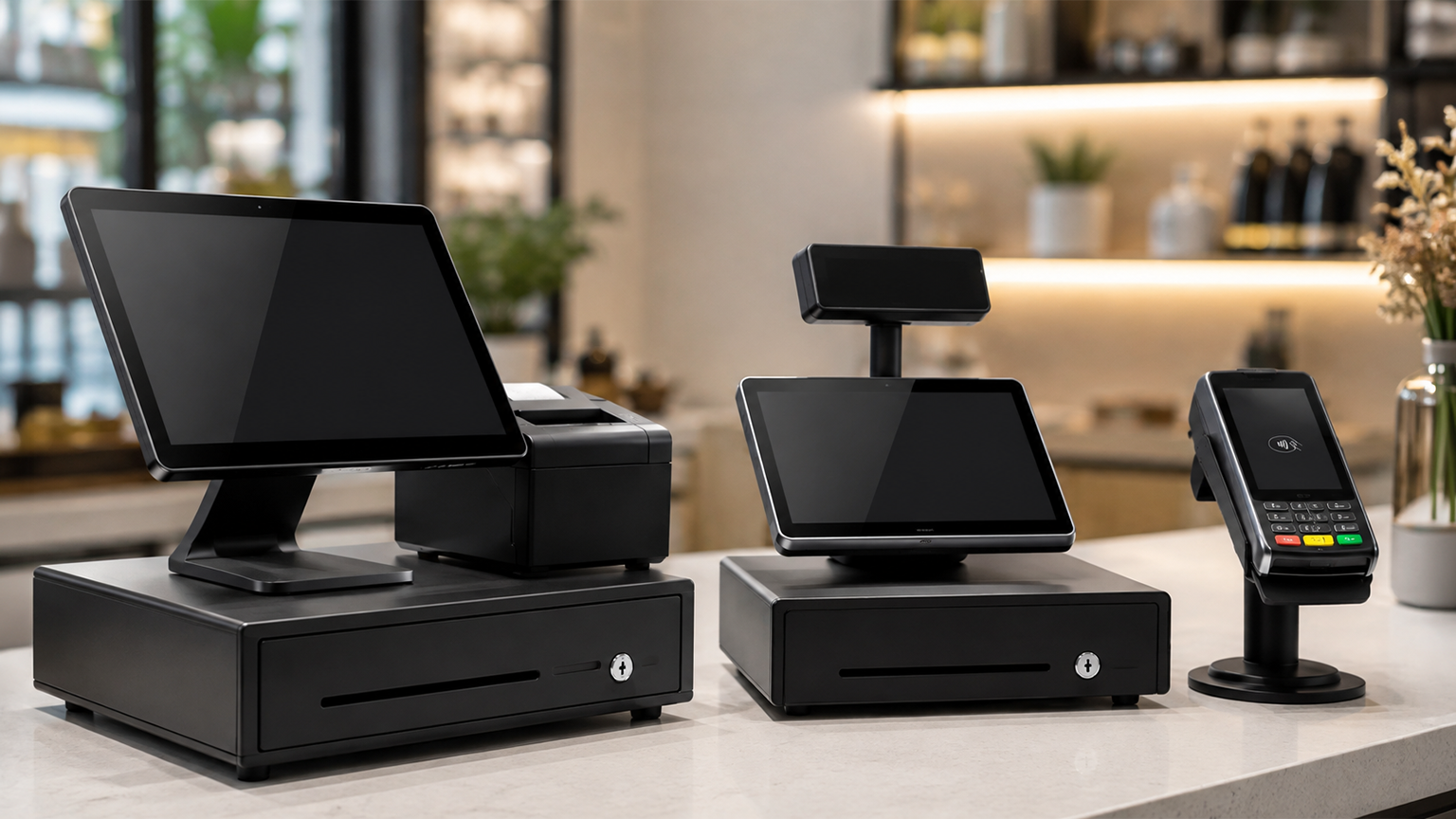
Although POS systems, cash registers, and credit card machines all help you accept payments at checkout,
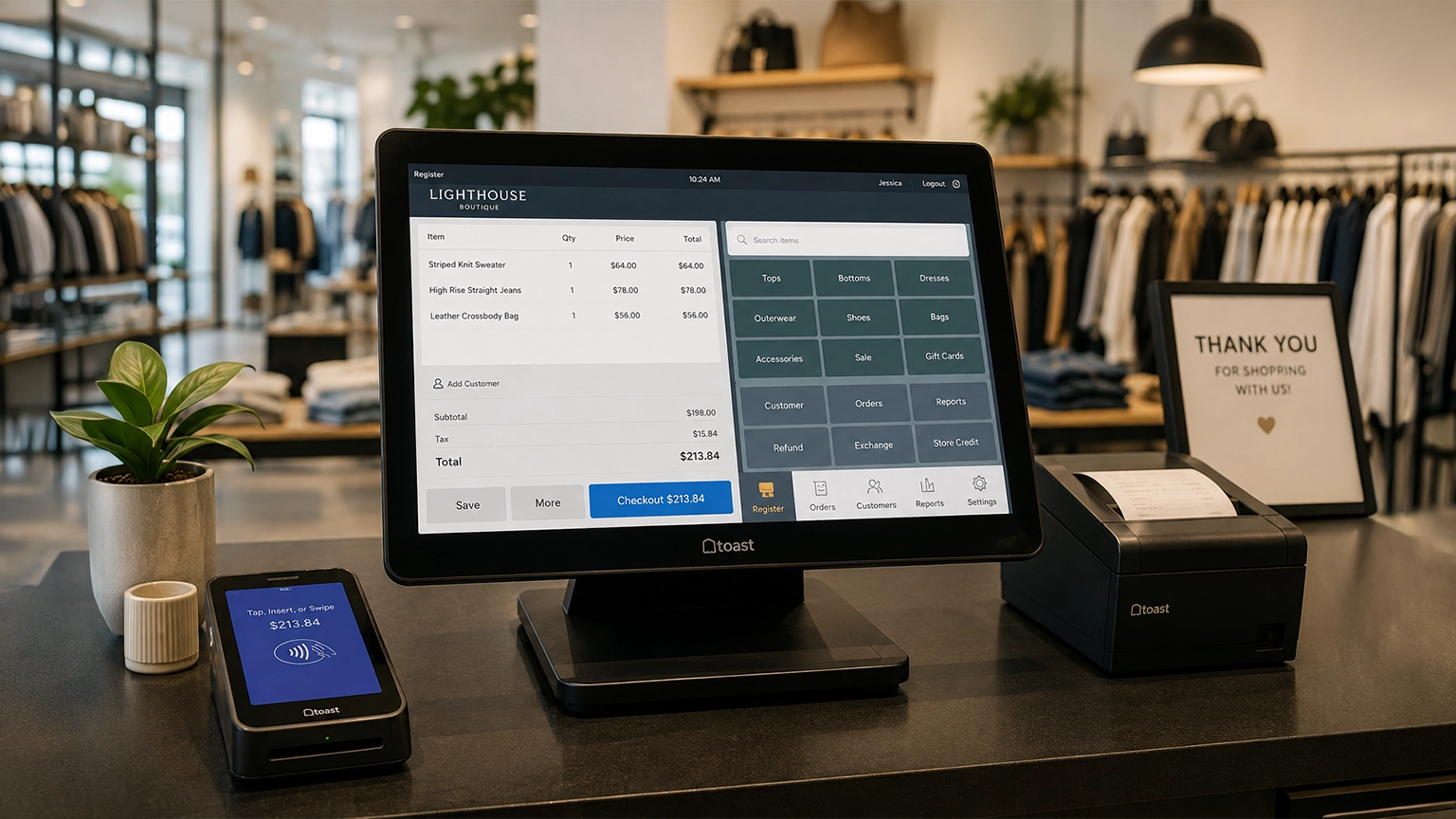
Retail POS systems do much more than process payments. Depending on your provider and plan, they