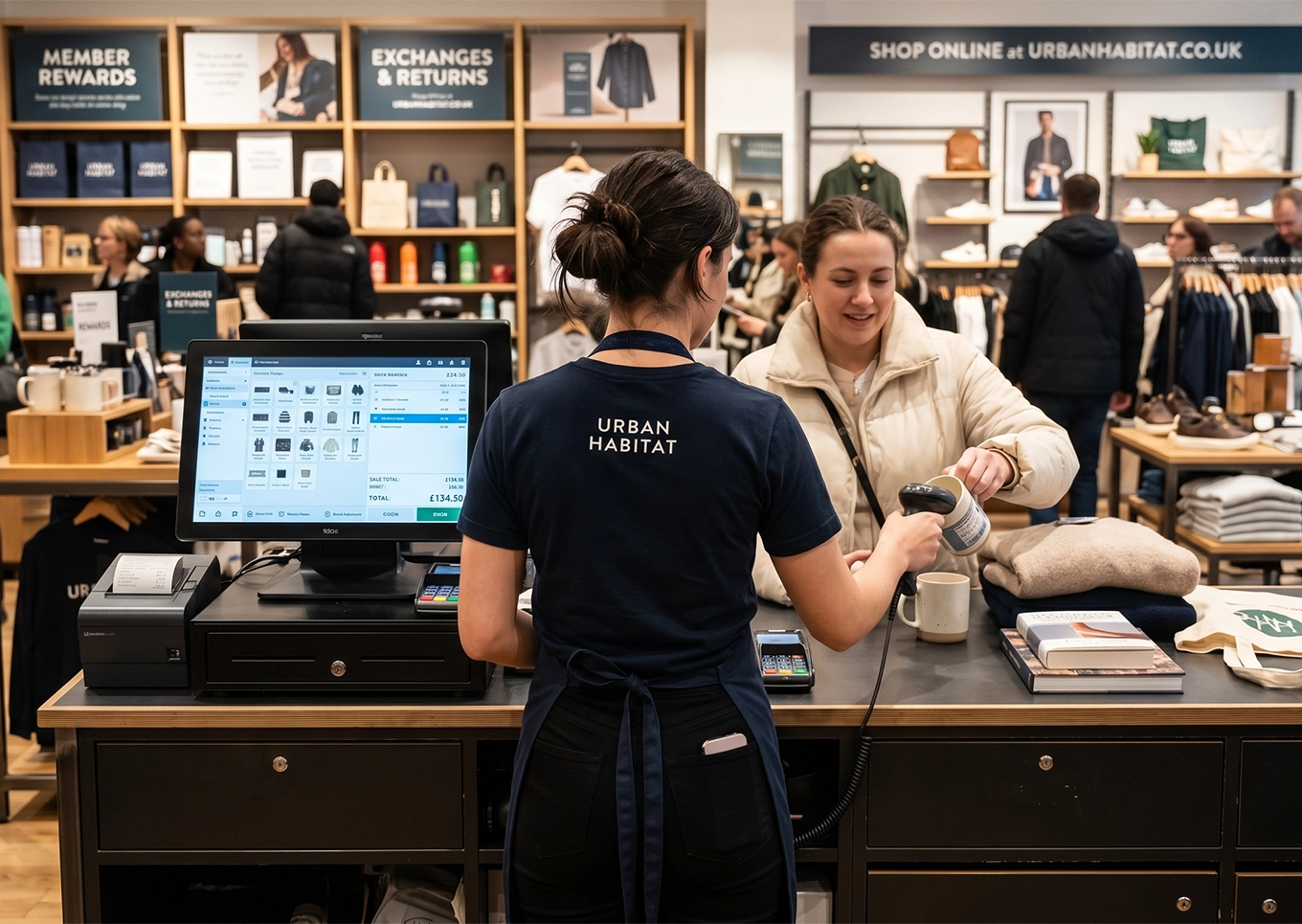
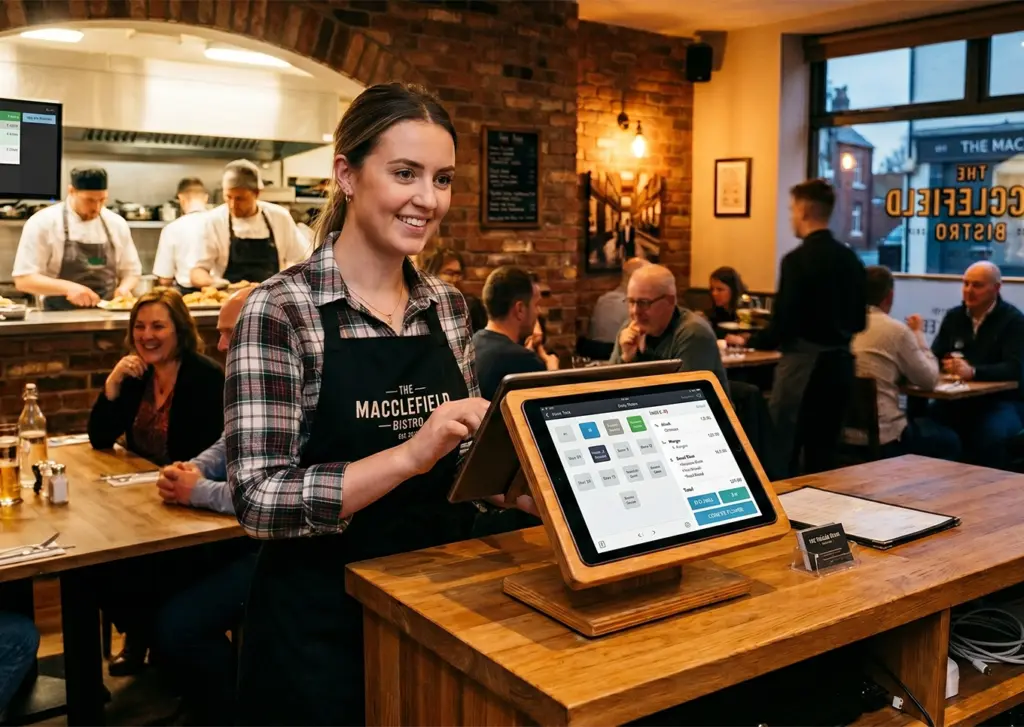
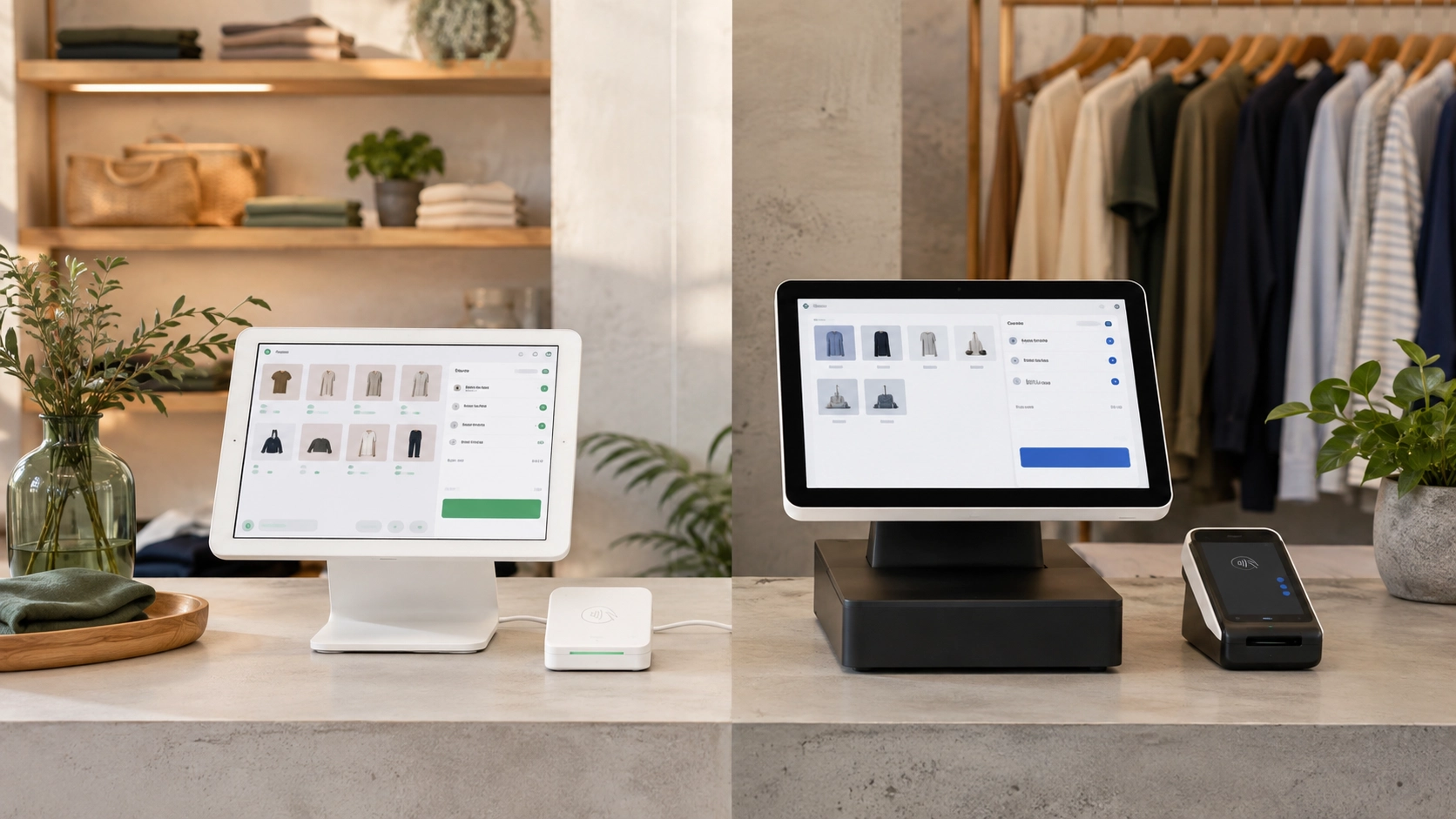
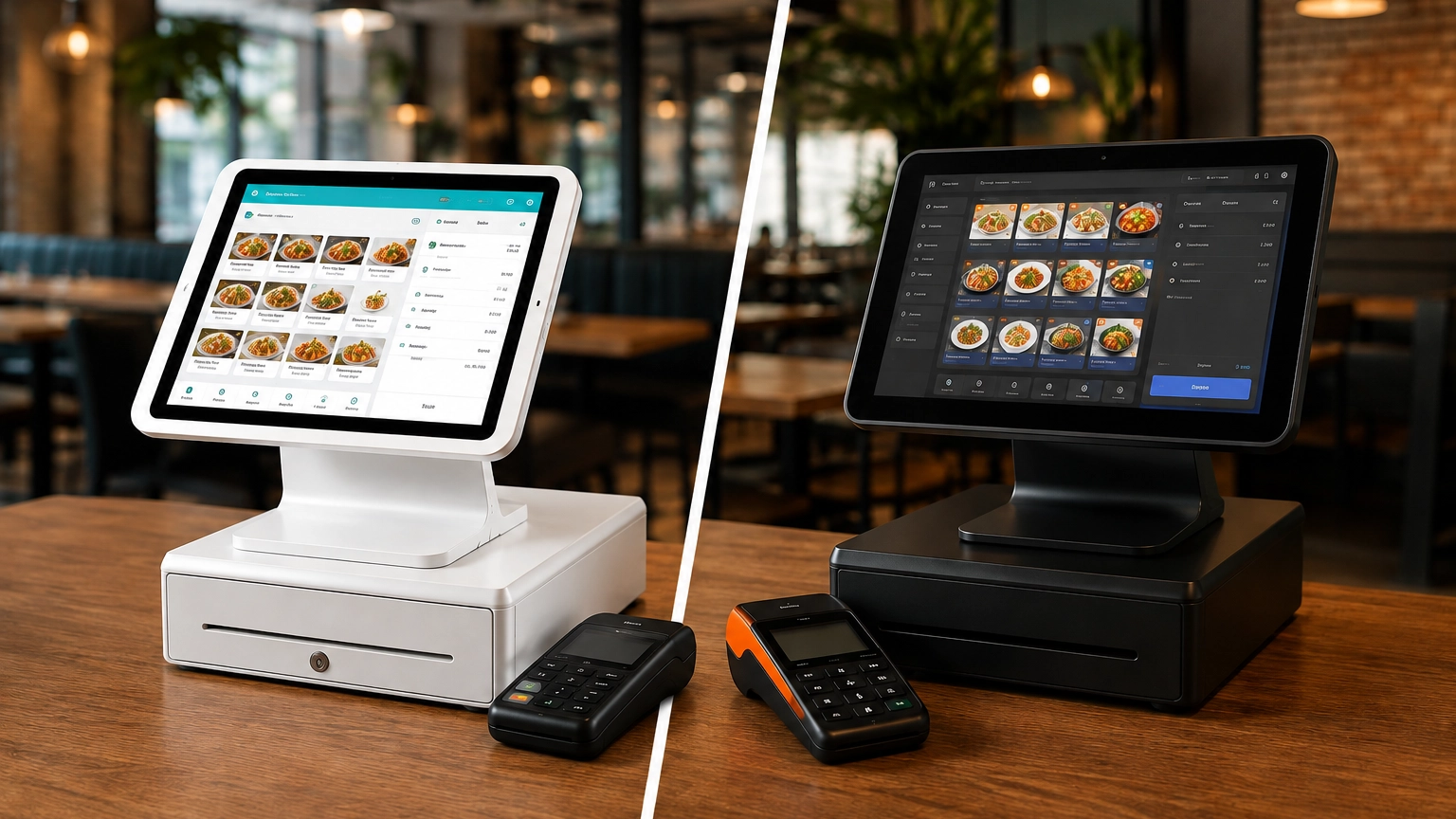
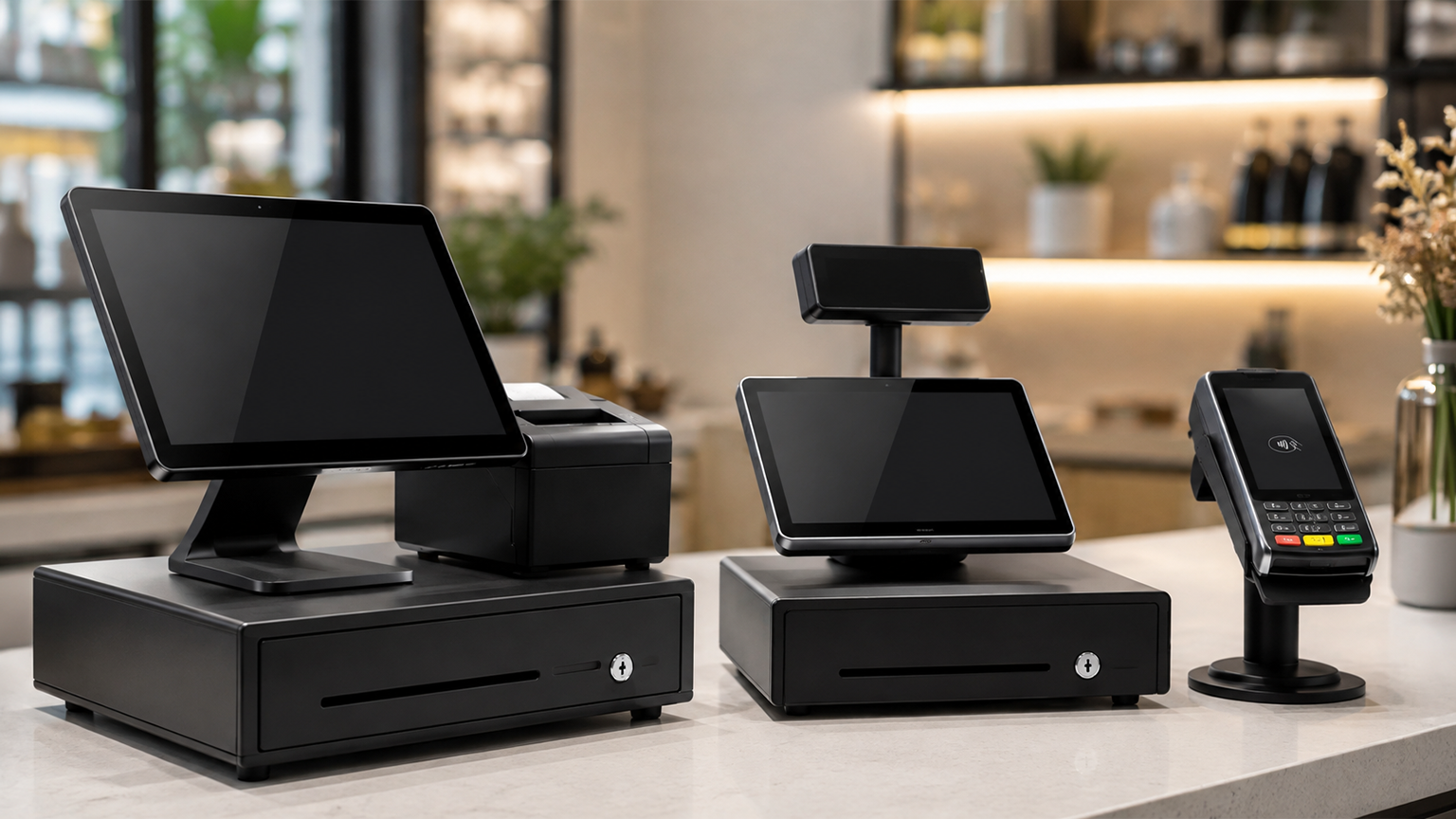
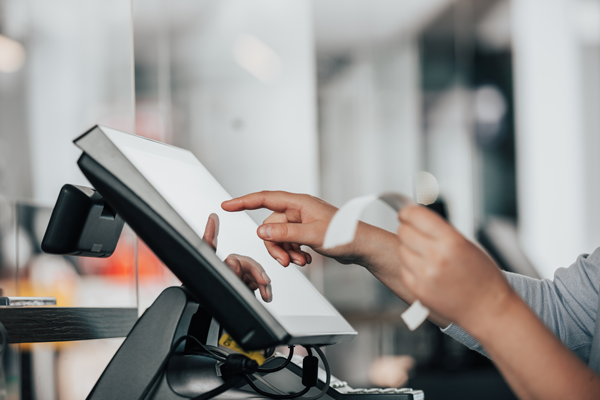
A POS system is a combination of hardware, software, and payment processing technology that enables businesses to complete sales transactions. It processes payments, calculates sales tax, generates receipts, manages inventory, records transaction data, and supports reporting and accounting.
POS systems can be used in-store, online, across mobile sales environments, or across multiple business locations. Cloud POS infrastructure can support real-time reporting, remote access, automatic updates, and easier multi-location management.
Hardware: terminal or tablet, card reader, barcode scanner, cash drawer, and receipt printer.
Different businesses need different POS features. Retail stores, restaurants, bars, salons, ecommerce sellers, and mobile businesses all use POS systems in different ways, so it is important to compare systems based on operational fit rather than price alone.
Whether you run a retail store, restaurant, bar, salon, mobile business, or multi-location operation, the right POS system should match your payment process, sales channels, hardware needs, transaction volume, and future growth plans.
Watch the video to see how the right POS system could benefit your business.
POS systems are used by businesses that need to process payments, track sales, manage inventory, monitor performance, and connect operational data with accounting, ecommerce, payroll, or customer management platforms.
Small Businesses
Small businesses often need a simple POS system with affordable hardware, transparent transaction fees, easy setup, and essential reporting.
Retail Stores
Retail businesses usually need product catalogues, barcode scanning, stock control, returns management, customer records, and ecommerce synchronisation.
Restaurants & Hospitality Businesses
Restaurants and hospitality businesses often need table plans, order routing, split bills, tips, modifiers, kitchen display systems, and online ordering integrations.
Bars & Quick-Service Businesses
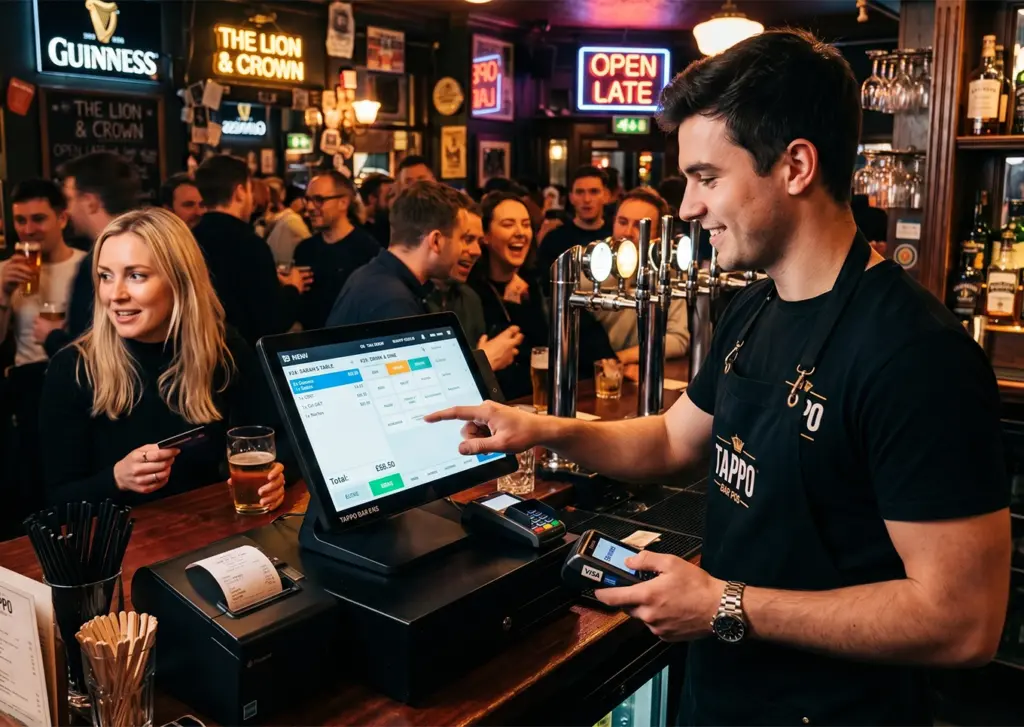
Bars and quick-service businesses need fast checkout, tab management, staff controls, menu shortcuts, payment speed, and end-of-shift reporting.
Salons & Appointment-Based Businesses
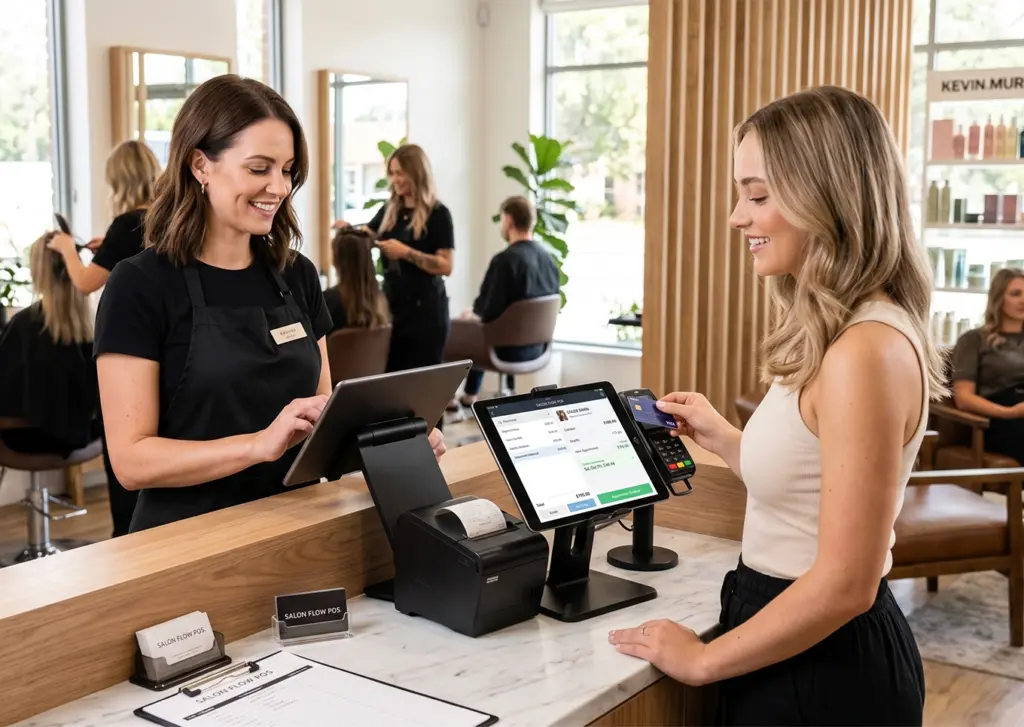
Salons and appointment-led businesses benefit from booking tools, customer profiles, service history, automated reminders, loyalty features, and integrated payments.
Mobile & Seasonal Businesses
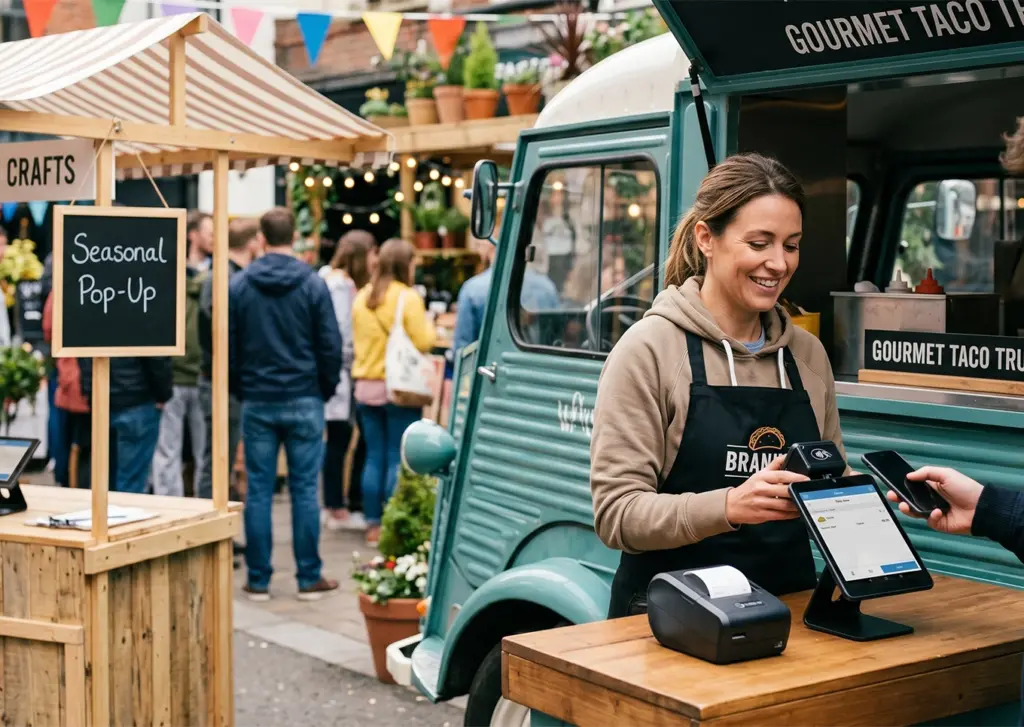
Mobile and seasonal businesses often need portable card readers, tablet-based terminals, flexible subscriptions, and reliable mobile connectivity.
Ecommerce & Omnichannel Retails
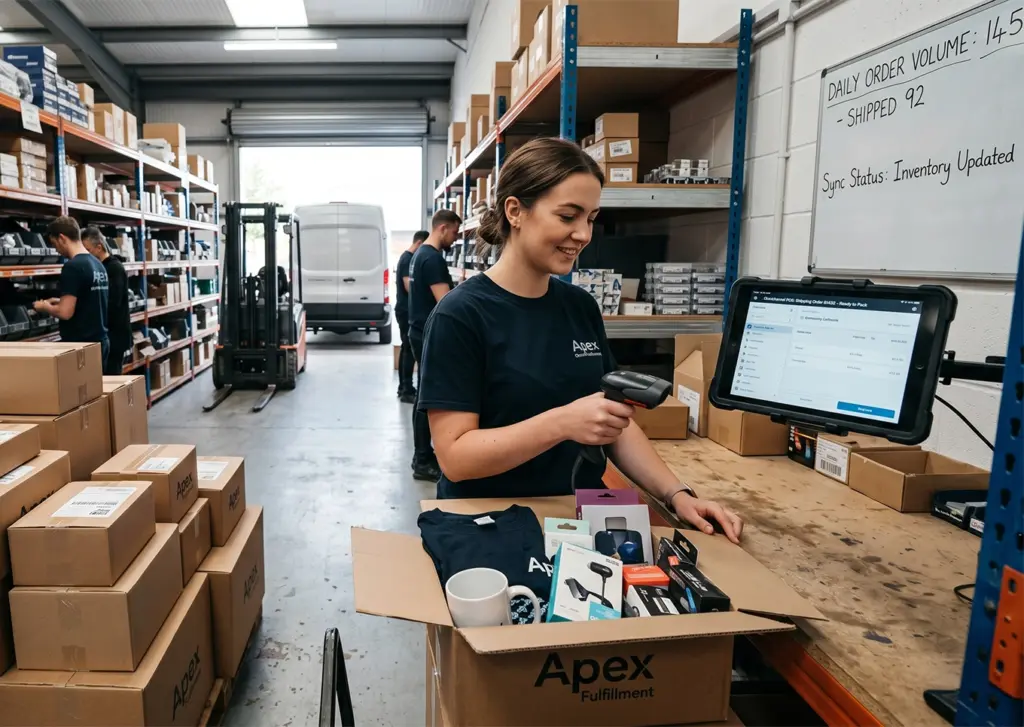
Ecommerce and omnichannel retailers need systems that connect online and in-store sales, inventory, customer data, payments, and reporting.
Multi-Location Businesses
Multi-location businesses need centralised reporting, shared inventory, user permissions, location-level analytics, and scalable pricing.
How POS Systems Work
When a customer makes a purchase, a POS system connects hardware, software, and payment processing so the sale can be completed, recorded, and settled.
At Checkout
Items Are Selected
Staff add products or services through the terminal, scanner, tablet, or mobile device.
Sales Tax Is Applied
The POS calculates the subtotal and applies relevant state and local sales tax.
Customer Pays
Payment data is encrypted and sent through the payment gateway, acquiring bank, card network, and issuing bank.
After payment
Payment Is Authorised
Authorisation normally happens in seconds once the issuing bank approves the transaction.
Records Are Updated
The transaction is recorded, inventory is updated, revenue is logged, and tax collected is tracked.
Funds Are Settled
Settlement usually takes 1–3 business days depending on provider and risk profile.
US POS System Providers
POS providers vary by pricing model, hardware options, payment processing fees, software features, integrations and industry suitability. Comparing providers side by side can help businesses find a system that fits their operations and budget.
Detailed comparison providers
Only the following providers should receive detailed comparison copy unless additional researched content is supplied: Square, Lightspeed, Clover, PayPal POS / Zettle and Shopify POS.
BEST FOR
Small to medium retail, restaurants, and service businesses
COST/FEES
$0–$149/mo per location; in-person from ~2.6% + 15¢
Contract
No long-term contract
Strength
Transparent pricing and flexible hardware
Limitation
Advanced features may need higher-tier plans
BEST FOR
Retail and restaurants needing advanced inventory or hospitality workflows
COST/FEES
Plans and transaction fees vary by package
Contract
Subscription; monthly or annual billing
Strength
Advanced inventory, forecasting, and hospitality tools
Limitation
Hardware pricing depends on configuration
BEST FOR
Modular hardware and app-based flexibility
COST/FEES
Monthly and transaction fees vary by plan
Contract
May vary by hardware and agreement
Strength
Wide hardware variety and app ecosystem
Limitation
Software and contract pricing can vary by setup
BEST FOR
Micro businesses, mobile sellers, and smaller merchants
COST/FEES
Often low or no monthly fee; transaction fees vary
Contract
Typically flexible depending on setup
Strength
Low entry cost and PayPal ecosystem
Limitation
Less suited to complex operational needs
BEST FOR
Retailers selling online and in-store
COST/FEES
Shopify subscription plus POS add-on; fees plan-dependent
There is no single best POS system for every business. Suitability depends on business model, transaction volume, sales channels, hardware needs, integrations, contract terms and future growth plans.
Commercial Experts compares POS systems against consistent criteria so businesses can make a more informed decision.
Pricing Transparency
Review software pricing, transaction fees, add-ons, PCI-related fees, setup costs, and other recurring charges.
Contract Terms
Check month-to-month flexibility, annual billing, multi-year contracts, equipment leasing, cancellation terms, or early termination fees.
Hardware Flexibility
Compare mobile terminals, countertop devices, barcode scanners, cash drawers, printers, kitchen displays, and third-party peripherals.
Software Integrations
Review integrations with accounting software, ecommerce platforms, payroll tools, reservation systems, inventory databases, CRM platforms, and APIs.
Scalability
Assess support for additional users, more locations, expanded catalogues, centralised reporting, and higher transaction volumes.
Industry Suitability
Compare fit for retail, restaurants, bars, salons, mobile sellers, ecommerce businesses, or multi-location operations.
Most small business POS systems in the US cost around $30 to $150 per month before transaction fees, although actual costs vary by provider, hardware setup, features and contract terms. Total ownership cost depends on transaction volume, hardware configuration and pricing model, not just the advertised subscription price.
Processing fees often become the largest ongoing expense. Card-present transactions usually cost less than card-not-present or manually keyed payments because they carry lower fraud risk.
Monthly Software Fees A recurring fee for POS software access, often in the $30–$150/month range for many small businesses before transaction fees. Charged per location, register, user, or plan level; usually includes updates and core features.
Transaction FeesTransaction Fees A per-sale charge, usually a percentage plus a fixed number of cents. Card-present transactions often cost less than card-not-present or manually keyed payments because they carry lower fraud risk.
Contract & Setup CostsContract & Setup Costs Costs or commitments linked to onboarding, installation, cancellation terms, equipment leasing, support, implementation, or contract length.
Hardware CostsHardware Costs Costs for terminals, tablets, card readers, barcode scanners, cash drawers, receipt printers, kitchen display systems, and other equipment required to operate the POS system.
Combines interchange, network fees, and processor markup into one rate. Often suits businesses that want simple, predictable statements; may cost more at higher volumes.
Separates interchange, network assessment, and processor markup. Often worth comparing when transaction volume is higher and transparency matters.
Agreement length and flexibility vary by provider — from month-to-month to annual or multi-year terms. Compare cancellation, leasing, and early termination before you sign.
May benefit from understanding these models because small differences in percentage fees can have a significant impact over time.
POS Systems by Industry
POS requirements vary by sector. A restaurant may need table plans and kitchen display tools, while a retailer may need barcode scanning, stock control, ecommerce synchronisation, and returns management.
Selecting a POS system requires a structured evaluation across operational, financial and contractual criteria.
Business type The system should match retail inventory control, restaurant order routing, appointment scheduling, mobile selling or other operational requirements.
Average monthly transaction volume Projected sales volume and average ticket size directly affect processing costs and long-term affordability.
Card-present vs online/keyed sales mix The balance between in-person, ecommerce and manually keyed payments influences blended processing rates and total cost.
Required integrations The POS should connect with essential tools such as accounting software, ecommerce platforms, payroll, reservations and inventory databases.
Budget tolerance Compare software, hardware, transaction fees, add-ons and support over a 12 to 36 month period.
Growth plans Account for extra users, new locations, expanded catalogues and omnichannel sales without major pricing shocks.
Contract flexibility Check whether the agreement supports month-to-month flexibility or locks the business into a fixed contract.
Hardware needs Match hardware to checkout environment, number of stations, mobility, kitchen display needs, barcode usage and cash handling.
Support requirements Evaluate onboarding, training resources, response times and support availability.
Multi-location expansion plans Confirm centralised reporting, shared inventory and unified customer records before expanding.
Seasonal turnover Check whether subscriptions can control costs during inactive periods.
Refund and chargeback handling Review refund policies, chargeback management and whether processing fees are retained on refunds.
Common Mistakes to Avoid
Selecting a plan based only on advertised pricing without modelling the full cost.
Committing to a long-term contract before confirming the system is an operational fit.
Choosing hardware that does not integrate with current software and systems.
Underestimating the impact of processing fees based on actual sales numbers.
A card machine processes payments. A POS system processes payments and also records item-level sales, manages inventory, calculates sales tax, tracks employee activity, stores customer data and connects with reporting, accounting, ecommerce or payroll systems.
A business that only needs to take occasional card payments may only need a card reader or payment terminal. A business that needs inventory control, sales reporting, staff permissions, customer records and software integrations will usually need a full POS system.
Comparison of card machine versus POS system across functionality, software capabilities, reporting, and integration.
Category
Card machine
POS system
Functionality
Processes card payments only
Processes payments and records item-level sales, taxes, employee activity, and customer data
Software Capabilities
Basic transaction totals and settlement summaries
Inventory management and pricing rules
Sales tax automation and staff permissions
Customer profiles and analytics
Reporting
Transaction totals and card-type breakdowns
Detailed sales reports and SKU performance
Tax summaries and exportable accounting records
Integration
Connects to payment processor for authorisation and settlement
Accounting software and ecommerce platforms
Payroll systems and inventory databases
Frequently Asked Questions
How much does a POS system cost in the US?
Most small business POS systems cost around $30 to $150 per month before transaction fees, although costs vary by provider, hardware setup, features, and contract terms. Transaction fees and hardware costs often have the biggest impact on total cost.
What is the best POS system for a small business?
There is no single best POS system for every small business. The right choice depends on business type, transaction volume, integrations, hardware requirements, contract preference, and whether sales happen in-store, online, or across multiple locations.
Are POS systems month-to-month?
Some POS providers offer month-to-month agreements, while others use annual or multi-year contracts. Businesses should check cancellation terms, hardware lease terms, minimum processing requirements, and early termination fees before committing.
What is the cheapest POS system?
Free or low-cost POS plans exist, but they may include higher transaction fees, limited features, or restricted hardware options. The cheapest option depends on total monthly cost, not just the advertised software fee.
Do POS systems require contracts?
Some POS providers offer rolling agreements, while others require fixed-term contracts. Contract terms may depend on software plan, hardware leasing, payment processing agreement, and provider setup.
Do POS systems include payment processing?
Many POS systems include integrated payment processing, while others allow businesses to connect a separate payment processor. Integrated processing can simplify setup, but businesses should compare transaction fees and contract terms carefully.
Can a POS system manage inventory?
Yes. Many POS systems include inventory tools that track stock levels, sales, product performance, returns, and multi-location inventory. More advanced inventory features are usually found in higher-tier retail or restaurant POS plans.
Can POS systems work with ecommerce platforms?
Yes. Some POS systems can sync online and in-store sales, inventory, customer data, and reporting. This is especially useful for retailers that sell through both ecommerce and physical locations.
What is the difference between a POS system and a card machine?
A card machine processes payments. A POS system also manages sales data, inventory, customer records, reporting, tax, employee permissions, and software integrations.
Is Square a good POS system?
Square can be suitable for many small businesses because it offers integrated payments, flexible hardware, and retail or restaurant features. Whether it is the right choice depends on business requirements, transaction volume, features, and overall cost.
Which POS system is best for restaurants?
The right restaurant POS system depends on table management, order routing, kitchen display requirements, online ordering, delivery integrations, staff permissions, tipping, and reporting needs. Restaurants should compare systems based on workflow fit as well as monthly cost.
Which POS system is best for retail?
Retail businesses should look for POS systems with inventory tracking, barcode scanning, product catalogues, returns management, customer data, ecommerce synchronisation, and reporting. The best option depends on store size, transaction volume, and whether the business sells online as well as in-store.