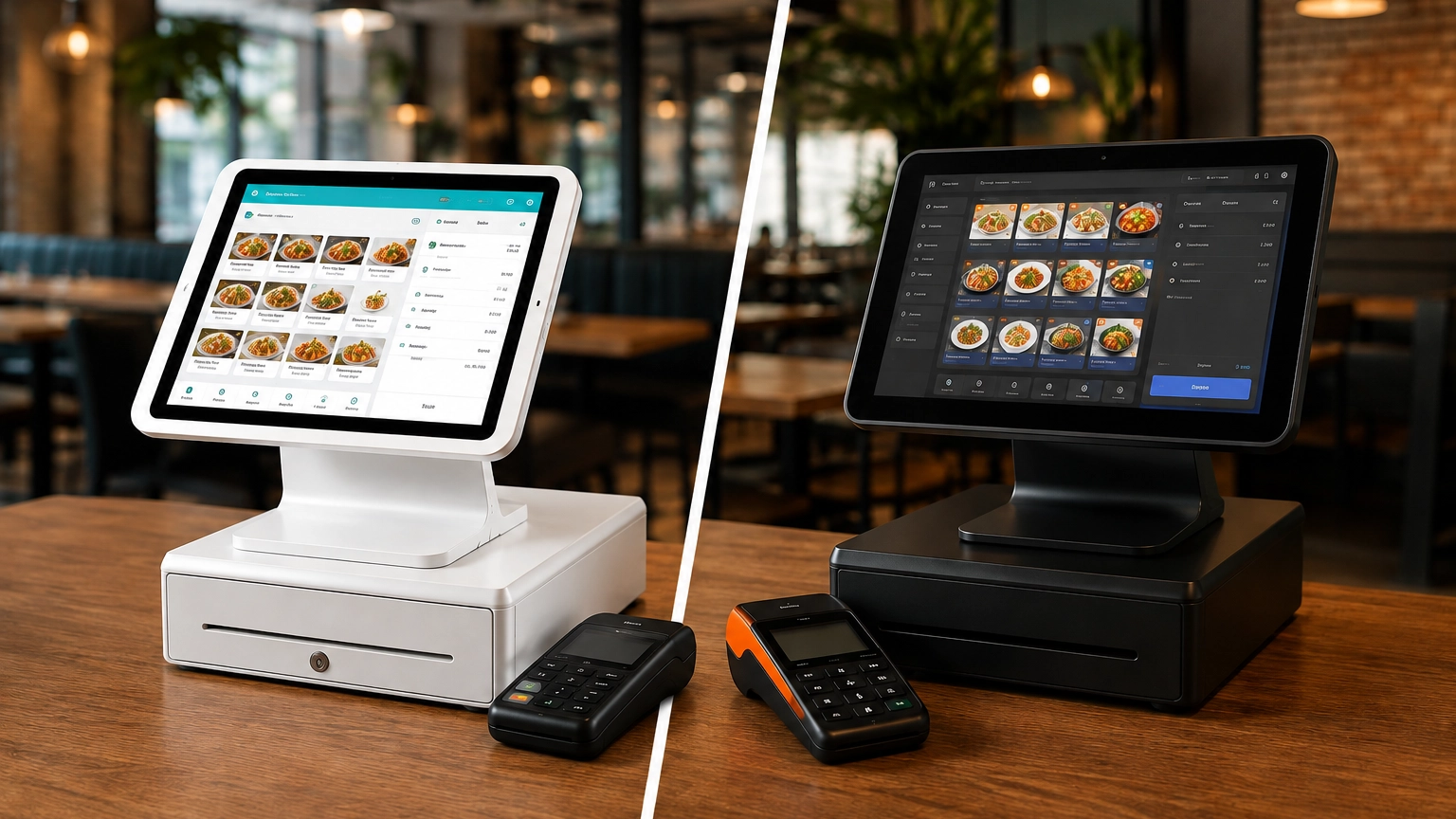
TouchBistro vs Toast: Which Is Better for Restaurants?
TouchBistro and Toast are both purpose-built restaurant POS systems, but they suit different restaurant operations. Toast
Last updated 24/08/2026
The best POS system for your small business depends on your industry, budget, sales channels, and business requirements. Restaurants may require table management features, retailers may need advanced inventory tracking, and mobile businesses may prioritize portability above all.
Modern small business POS systems offer far more than simple payment processing. Depending on your business, you may need inventory management, staff permissions, customer profiles, reporting, online selling tools, and integrations. Look beyond the monthly cost and also compare payment processing, hardware options, and contract terms before choosing a provider.
In this guide, we’ll walk you through the key aspects to consider, alongside overviews from some of America’s leading providers. Then, when it’s time to compare POS systems for your business, you’ll know exactly what to look for.
The best POS system for your business depends on your industry, budget, and operational needs. The table below highlights the strengths and limitations of the leading small business POS systems.
| POS System | Best For | Key Strength | Potential Limitation |
|---|---|---|---|
| Square | Best overall for small businesses | Free entry plan, broad feature set, and no long-term contracts | Advanced features such as loyalty, marketing, and payroll can increase costs |
| Clover | Businesses that want flexible hardware options | Wide range of countertop, handheld, and portable devices with app marketplace customization | Pricing and contract terms can vary significantly between resellers |
| Toast | Restaurants and food service businesses | Restaurant-specific features including online ordering, table management, and kitchen display systems | Less suitable for retail and other non-food businesses |
| Shopify POS | Retailers selling online and in-store | Seamless inventory, customer, and order synchronization across sales channels | Delivers the most value when you're already using Shopify ecommerce |
| Lightspeed | Inventory-heavy and growing businesses | Advanced inventory management, reporting, and multi-location tools | More complex and potentially more expensive than entry-level POS systems |
| TouchBistro | Restaurants focused on table service | Hospitality-specific tools including floor plans, menu management, and tableside ordering | Limited suitability outside the restaurant industry and requires iPads |
| SumUp | Micro businesses and simple payment acceptance | Low barrier to entry with affordable hardware and no monthly software fee on entry plans | Lacks many of the advanced features offered by larger POS platforms |
Before comparing providers, you need to understand the criteria that determine the right POS system for your business. It all comes down to how you sell, the features you need, and your budget. As we compare the providers below, we’ll evaluate them based on:
Ease of Setup: How quickly you can get started and train staff.
Payment Processing: Transaction fees, payment options, and funding times.
Hardware Options: Card readers, terminals, handheld devices, kitchen display systems (KDS), and kiosks.
Software Costs: Monthly subscriptions, add-ons, and upgrade costs.
Inventory Management: Stock tracking, purchase orders, and multi-location visibility.
Sales Reporting: Insights into sales performance, trends, and business performance.
Customer Management: Customer profiles, loyalty programs, and marketing tools.
Staff Permissions: User roles, access controls, and employee reporting.
Integrations: Accounting, ecommerce, delivery, and marketing platform integrations.
Online Selling: Tools that support ecommerce and omnichannel sales.
Contract Flexibility: Agreement length, cancellation terms, and any payment processing commitment.
Support and Onboarding: Training resources and access to customer support.
For a more in-depth look at POS pricing, check out our POS system pricing and costs article.

Best for: New businesses, retailers, service providers, pop-ups, and mobile sellers.
Why it suits small businesses: Square offers a simple setup process, ease of use, integrated payment processing, and features ideal for multiple industries.
Key features: Inventory management, sales reporting, customer profiles, online selling tools, and industry-specific features for retail, restaurants, and service businesses.
Pricing considerations: Square offers a free plan, making it an accessible entry point for smaller businesses. However, advanced software and additional hardware can increase the overall cost as your business grows.
Hardware considerations: Choose from card readers, handheld devices, terminals, and full countertop register systems.
Payment processing considerations: Payment processing is built directly into the platform, with a standardized pricing structure, helping simplify setup and day-to-day operations.
Who it isn’t ideal for: Businesses with complex inventory requirements, advanced restaurant workflows, or large multi-location operations may benefit from a more specialized solution.
Learn more in our dedicated Square POS guide.

Best for: Retailers, service businesses, hospitality operators, and small multi-location businesses that want a flexible POS system.
Why it suits small businesses: Clover offers an extensive hardware range, allowing you to customize your system to meet your specific operational needs, rather than relying on a one-size-fits-all solution.
Key features: Access to an app marketplace, inventory management tools, employee reporting, loyalty functionality, and a range of countertop, handheld, portable, and restaurant-focused hardware options.
Pricing considerations: Clover’s pricing can vary significantly depending on the hardware package, software plan, and reseller.
Hardware considerations: Choose from handheld devices such as Clover Flex and Flex Pocket, countertop systems such as Station Solo and Station Duo, and restaurant-focused devices, including kitchen display systems (KDS).
Payment processing considerations: Payment processing structures, contract terms, and merchant account arrangements can vary depending on your chosen supplier.
Who it isn’t ideal for: Businesses looking for simple, transparent pricing may find Clover’s reseller-based model more difficult to compare than providers that sell directly.
Learn more in our dedicated Clover POS guide.

Best for: Full-service restaurants, quick-service restaurants, cafés, bars, food trucks, and other hospitality businesses.
Why it suits small businesses: Toast’s restaurant POS systems are built for the hospitality industry, with features designed to help manage everything from front-of-house operations to kitchen communication and online ordering.
Key features: Table management, menu management, online ordering, kitchen display systems (KDS), restaurant reporting, and tools designed specifically for food service operations.
Pricing considerations: Toast offers a range of plans and restaurant-focused tools, but total costs can vary depending on your hardware, software modules, and the operational requirements of your business.
Hardware considerations: Choose from countertop terminals, handheld ordering devices, and kitchen display systems that help streamline communication between staff and the kitchen.
Payment processing considerations: Toast combines POS software, hardware, and payment processing, and may offer either flat-rate or custom pricing structures depending on your specific requirements.
Who it isn’t ideal for: If you run a retail store, service business, or another non-hospitality operation, Toast’s restaurant-centric functionality may not effectively meet your needs.
Learn more in our Toast POS guide.

Best for: Retail businesses that already use Shopify ecommerce or want to expand into online selling.
Why it suits small businesses: Shopify POS is part of Shopify’s wider ecosystem, making it easier to sell across multiple channels, including a physical store, an ecommerce website, pop-ups, or social media.
Key features: Omnichannel selling, real-time inventory synchronization, customer profile management, buy online pickup in-store (BOPIS), ship-from-store functionality, and centralized reporting across sales channels.
Pricing considerations: Shopify POS offers the best value if you already use Shopify for your ecommerce store. When comparing costs, consider both your POS and ecommerce requirements rather than assessing each separately.
Hardware considerations: Shopify offers a range of POS hardware designed for retail environments, including card readers, terminals, and countertop checkout setups.
Payment processing considerations: Shopify integrates with Shopify Payments to process transactions, although alternative payment arrangements may be available depending on your business setup.
Who it isn’t ideal for: Businesses that don’t currently sell online or have no plans to expand into ecommerce may find other POS systems simpler and more cost-effective.
Learn more in our Shopify POS guide.

Best for: Retailers, restaurants, and growing businesses that need advanced inventory management and multi-location capabilities.
Why it suits small businesses: If your business manages large product catalogs, multiple locations, or increasingly complex operations, Lightspeed’s increased functionality goes beyond many entry-level POS systems.
Key features: Real-time inventory tracking, automated reorder points, purchase order management, multi-location inventory visibility, detailed reporting, and both retail and restaurant functionality.
Pricing considerations: Due to Lightspeed’s more advanced functionality, it may come with a larger investment than some entry-level systems, but it can provide greater value for growing businesses.
Hardware considerations: Lightspeed supports a range of hardware options for both retail and restaurant environments to build a POS setup that matches your requirements.
Payment processing considerations: Depending on the product and location, Lightspeed may offer integrated payments or support third-party payment processors, providing flexibility for businesses with specific processing requirements.
Who it isn’t ideal for: Very small businesses with straightforward operations may find Lightspeed’s advanced functionality more than they need.
Learn more in our Lightspeed POS guide.

Best for: Full-service restaurants, cafés, bars, and hospitality businesses that want a restaurant-focused POS system with strong table-service functionality.
Why it suits small businesses: TouchBistro was built specifically for restaurants and hospitality businesses, with features designed around day-to-day restaurant operations rather than general retail transactions.
Key features: Table management, floor plan tools, tableside ordering, menu management, staff management, reporting and analytics, and hospitality-focused workflows designed for restaurant environments.
Pricing considerations: TouchBistro uses a modular approach, allowing you to add features such as online ordering, loyalty programs, reservations, and kitchen display systems as needed.
Hardware considerations: TouchBistro operates on iPad hardware, making it a familiar option for restaurants that prefer a tablet-based POS setup.
Payment processing considerations: TouchBistro supports multiple payment processing partners alongside TouchBistro Payments, giving you the flexibility to select a payment provider of your choice.
Who it isn’t ideal for: Retail stores, service businesses, and other non-hospitality operations are unlikely to benefit from TouchBistro’s hospitality-focused features. Restaurants should also compare TouchBistro against Toast to find a hospitality system that meets their needs.
Learn more in our TouchBistro POS guide.

Best for: Sole proprietors, micro businesses, pop-ups, market vendors, and businesses that primarily need simple card payment acceptance.
Why it suits small businesses: SumUp is easy to get started with, making it a good choice for newer businesses, sole proprietors, and mobile sellers that don’t need advanced POS functionality.
Key features: Card payment acceptance, mobile payment capabilities, basic sales tracking, and simple POS functionality designed for smaller operations.
Pricing considerations: SumUp’s simple pricing structure can make it an attractive option if you want predictable costs and minimal upfront investment.
Hardware considerations: Choose from a range of affordable card readers and payment devices designed for mobile and countertop use.
Payment processing considerations: SumUp combines payment processing and hardware within a single ecosystem, helping simplify setup and day-to-day payment acceptance.
Who it isn’t ideal for: Businesses that require advanced inventory management, restaurant-specific functionality, multi-location reporting, or extensive operational tools may find SumUp too limited.
Learn more in our SumUp POS guide.
There is no single “best POS system” on the market; instead, think about which one is right for your business. The right fit depends on how you sell, the complexity of your operations, and the features you need.
| Business Type | Best POS Options | Why |
|---|---|---|
| Small Retail Store | Shopify POS, Square, Lightspeed | Shopify POS is ideal if you sell online and in-store. Square offers a simple yet functional solution, and Lightspeed is a strong choice for retailers with advanced inventory requirements. |
| Restaurant | Toast, TouchBistro, Clover | Toast and TouchBistro were built specifically for hospitality businesses, while Clover offers flexible restaurant-focused hardware options. |
| Café or Quick-Service Restaurant | Toast, Square, Clover | Toast provides restaurant-specific workflows, Square offers simplicity and ease of use, and Clover supports a variety of ordering and payment environments. |
| Mobile Business | Square, SumUp, Clover | All three providers offer portable hardware and mobile payment capabilities, making them well-suited to businesses operating on the move. |
| Salon or Appointment-Based Business | Square, Clover | Both platforms offer customer management tools, flexible payment acceptance, and features that work well for appointment-based businesses. |
| Ecommerce-Led Retailer | Shopify POS | Shopify POS is designed to connect online and in-store sales through a single platform, helping keep inventory, orders, and customer data synchronized. |
| Inventory-Heavy Retailer | Lightspeed, Shopify POS | Lightspeed excels in advanced inventory management and multi-location operations, while Shopify POS offers strong inventory synchronization across retail and ecommerce channels. |
| New Business or Start-Up | Square, SumUp, Clover | These providers offer accessible entry points, flexible hardware options, and straightforward setup processes for businesses purchasing their first POS system. |
POS system costs are influenced by a range of factors, including provider, required features, and how your business operates. Although some providers offer free plans, the true cost of a POS system often extends far beyond the monthly subscription fee.
Common POS system costs include:
Payment processing fees vary between providers and can also differ depending on how you accept payments. In-person, online, and mobile transactions often have different pricing structures, even with the same provider.
Businesses with more complex requirements, such as multi-location reporting, advanced inventory management, or premium integrations, will likely pay more than businesses that only need basic payment acceptance and sales tracking.
See our full POS system pricing guide for a more detailed breakdown of software, hardware, and payment processing costs.
If you’re searching for an affordable POS system for your small business, don’t focus solely on the monthly subscription. Even if a free plan is available, you still need to consider payment processing fees, hardware costs, and any upgrades required as your business grows.
Square is a popular choice for smaller businesses thanks to its free POS software and affordable hardware options.
SumUp is another provider that offers simple card payment acceptance without advanced POS functionality.
If you already use Shopify’s online platform, then Shopify POS can combine your online and in-store channels into a single system.
Before choosing a low-cost POS system, consider what additional features you may need and how much they will cost. Advanced inventory management, reporting, staff management, online selling tools, or additional integrations can increase your costs over time.
Rather than focusing solely on software costs, compare payment processing, hardware, support, and future upgrade requirements.
Before making your final decision, ask yourself the following questions:
Looking to compare POS systems? At Commercial Experts, we can help find the right system for you based on your business type, budget, and requirements.
Every small business has different requirements. Based on our comparison, these are the strongest POS systems for different business types:
| Requirement | Recommended POS System |
|---|---|
| Best Overall POS System | Square |
| Best Restaurant POS | Toast |
| Best Retail & Ecommerce POS | Shopify POS |
| Best Flexible Hardware Option | Clover |
| Best for Inventory-Heavy Businesses | Lightspeed |
| Best Restaurant Alternative | TouchBistro |
| Best Simple Card Payment Solution | SumUp |
If you’re still unsure which POS system is right for your business, use this checklist to assess your requirements.
The best POS system isn’t always the most expensive with the largest feature list, nor is the cheapest one always the most affordable. The right system is the one that supports your business today and as it grows.
There isn’t one best POS system for every business. Square is a strong all-round choice, while restaurants may prefer Toast or TouchBistro. Retailers often benefit from Shopify POS or Lightspeed, and businesses wanting flexible hardware may prefer Clover.
POS system costs may include software subscriptions, payment processing fees, hardware purchases or leases, and optional add-ons. Costs vary depending on your provider, industry, and feature requirements. See our POS system pricing guide for more information.
Yes. Some providers offer free or low-cost POS software, but you’ll still need to consider payment processing fees, hardware costs, and whether advanced features require paid upgrades.
Ease of use depends on your business type and requirements. Square and SumUp are often considered straightforward options for newer businesses, while Shopify POS is particularly easy to use for businesses already operating on the Shopify platform.
Toast and TouchBistro are leading restaurant POS systems designed for hospitality businesses. For cafés, food trucks, and simpler food service operations, Square and Clover are also worth considering.
Shopify POS, Square, and Lightspeed are all strong choices if you’re looking for the best POS for a small retail business. Shopify POS is ideal for omnichannel selling, Square suits a wide range of businesses, and Lightspeed excels at advanced inventory management.
Compare pricing, payment processing, hardware, industry-specific features, inventory management, reporting, integrations, customer support, and scalability before making your decision.
TouchBistro and Toast are both purpose-built restaurant POS systems, but they suit different restaurant operations. Toast
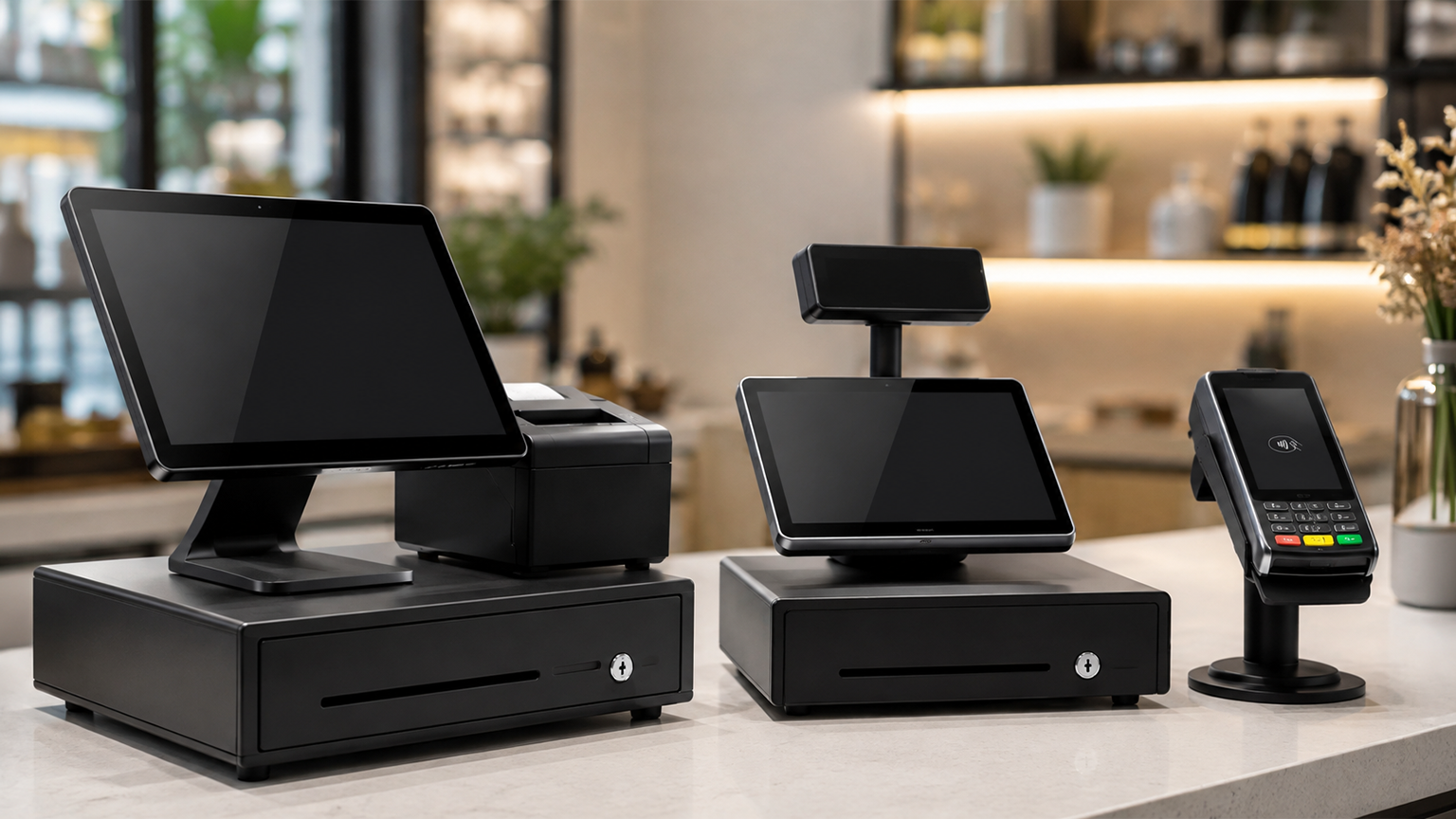
Although POS systems, cash registers, and credit card machines all help you accept payments at checkout,
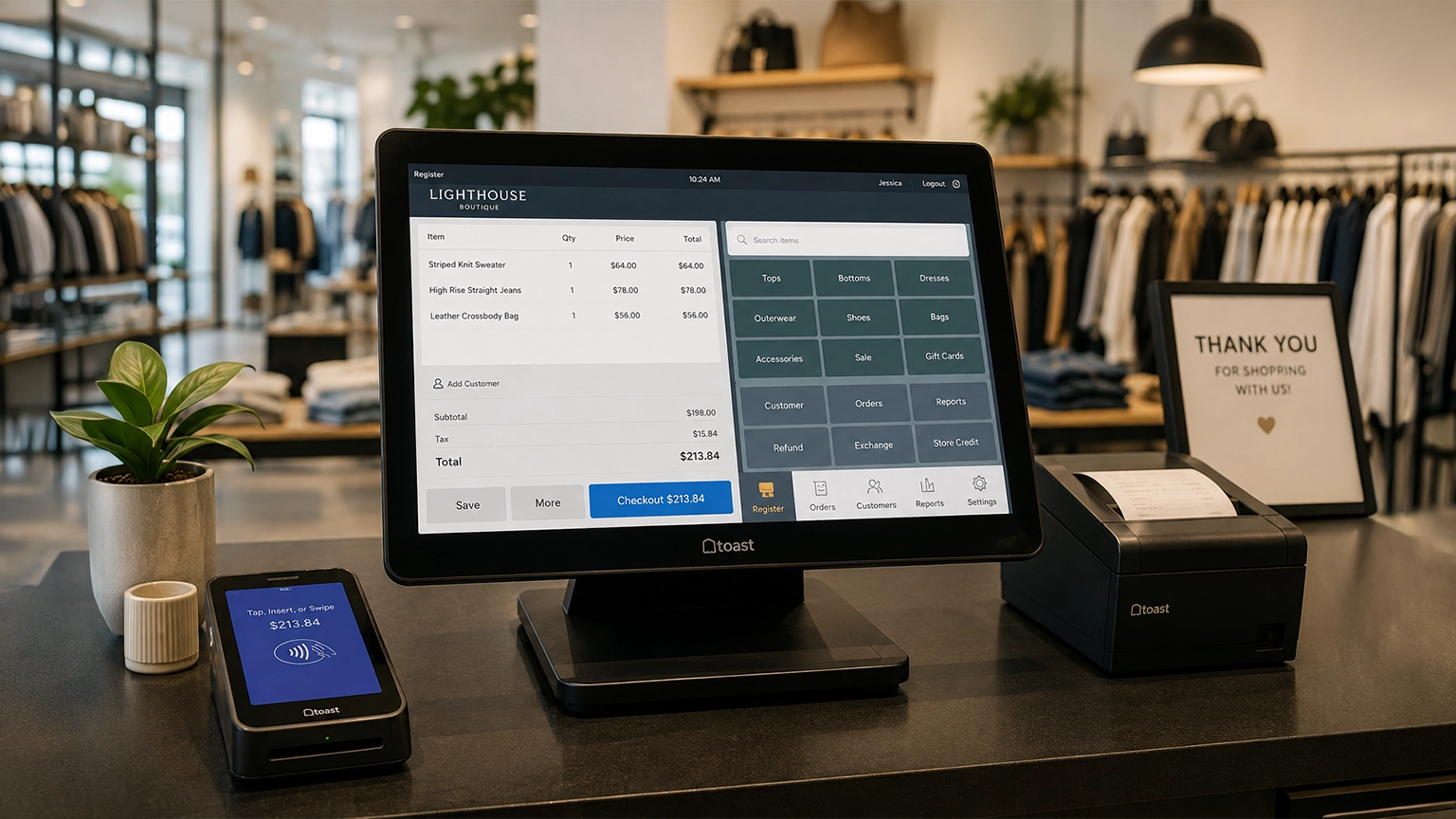
Retail POS systems do much more than process payments. Depending on your provider and plan, they