
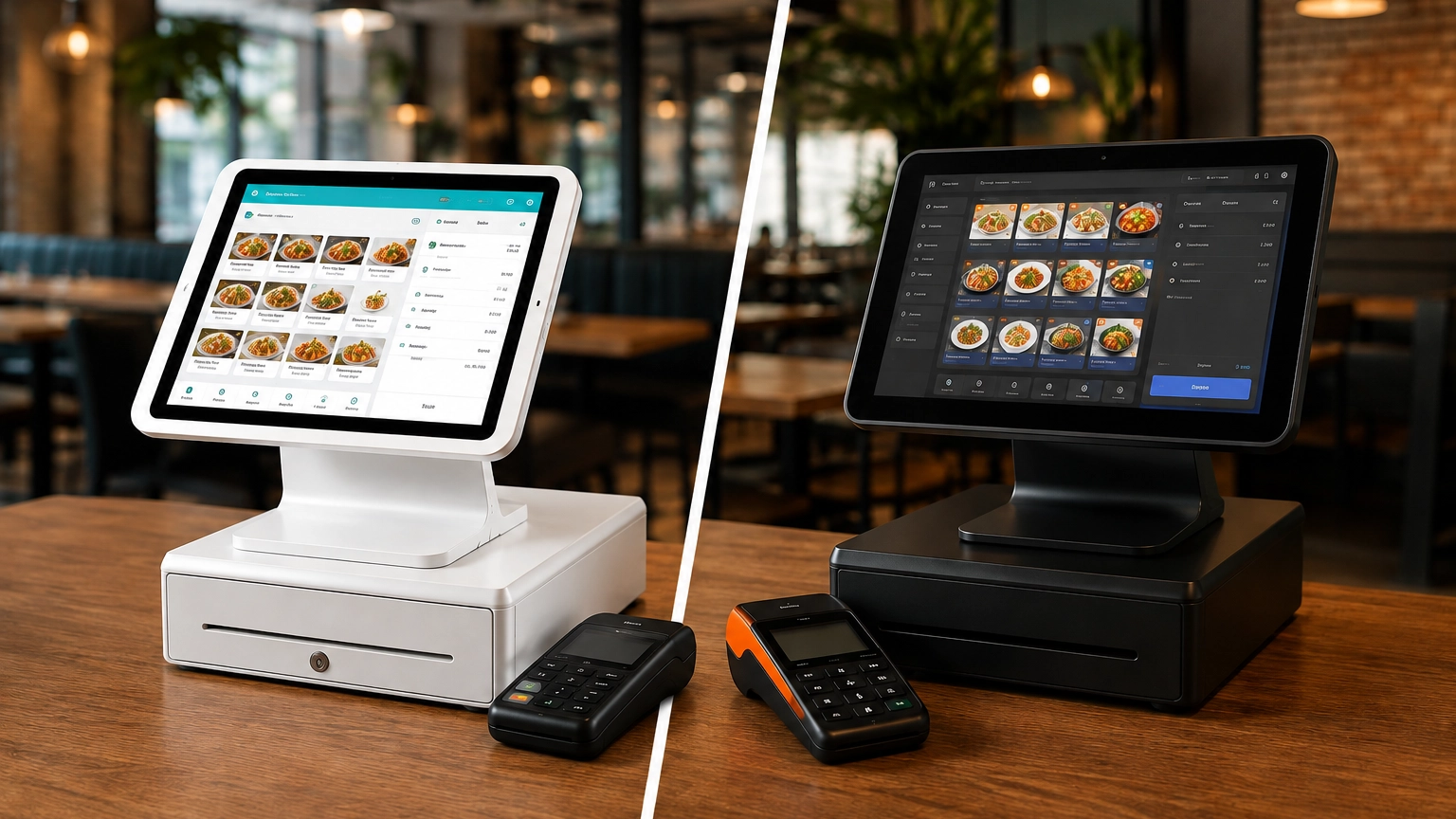
TouchBistro vs Toast: Which Is Better for Restaurants?
TouchBistro and Toast are both purpose-built restaurant POS systems, but they suit different restaurant operations. Toast
Last updated 30/09/2026
If you run a restaurant, café, bar, food truck, or quick-service business, you need a POS system that supports the way you operate every day. Unlike a general point-of-sale system, a restaurant POS system can include hospitality-specific features such as menu management, table layouts, kitchen display systems (KDS), online ordering, tipping, split checks, staff permissions, and sales reporting.
The best restaurant POS system isn’t the one with the most features, or from the most popular provider; it depends on your service model, budget, and operational needs. For example, the advanced functionality required by full-service restaurants may be unnecessary for a food truck.
Whatever type of food business you run, this guide will help you compare restaurant POS systems and choose the solution that’s the best fit for your business.
The best restaurant POS system depends on your service style, operational needs, and budget. Some platforms are built specifically for restaurants, while others offer more flexible hardware or simpler setups for smaller food businesses. The table below highlights who each provider is best for, its key strengths, and potential limitations.
| Restaurant POS System | Best For | Key Strength | Potential Limitation |
|---|---|---|---|
| Toast | Restaurants and food service businesses | Restaurant-specific tools and workflows | Less relevant for non-food businesses |
| TouchBistro | Full-service restaurants | Table-service and hospitality features | Narrower fit outside hospitality |
| Square | Small restaurants, cafés, and quick-service businesses | Simple setup and accessible tools | Advanced features may require paid plans |
| Clover | Restaurants wanting flexible hardware and apps | Wide range of devices and app integrations | Pricing and packages vary by reseller |
| Lavu | Hospitality-focused restaurants | Restaurant workflow features | Suitability depends on your operational needs |
| Lightspeed | Multi-location or inventory-focused restaurants | Advanced reporting, inventory, and operational tools | May offer more functionality than small cafés need |
| Cake | Restaurant operations and guest management | Hospitality-specific tools and bundled pricing model | Check current availability and product fit |
| Sumup | Very small food businesses | Low barrier to entry and straightforward setup | Lacks the depth of dedicated restaurant POS platforms |
The best restaurant POS system is the one that makes it easier for you to run your day-to-day operations. Whether you’re managing orders, serving customers, or keeping queues moving during a busy service, a restaurant point of sale system should make your life easier. While every operation has different requirements, there are several features that all food service businesses should prioritize.
The first of these is usability. You may get the most advanced system available, but if your staff can’t use it properly, it’s a waste of money. An intuitive interface that helps your staff take orders, process payments, split checks, manage tabs, and accept tips during busy service periods is essential.
Look for a system with functionality that supports your day-to-day processes. Menu management makes it easier to update prices, modifiers, and seasonal items, while table management, order routing, and kitchen display systems (KDS) help ensure orders reach the right station without delays. If you offer tableside service, handheld POS devices allow staff to take orders and accept payments without returning to a fixed terminal.
A POS system for restaurants does much more than process transactions. Online ordering, delivery integrations, inventory or ingredient tracking, customer loyalty programs, and detailed sales reporting can improve business-wide efficiency.
Finally, choose a POS system that can grow with your business. As your restaurant expands, features such as flexible payment processing, compatible hardware, multi-location support, onboarding, and ongoing customer support become increasingly important. Choosing a scalable platform today can help you avoid the cost and disruption of switching systems later.
If you’d like a more detailed breakdown, explore our guide to restaurant POS features.

Why it suits restaurants: Toast is purpose-built for the hospitality industry, making it ideal if you need restaurant-specific workflows that aren’t typically available with a general POS system.
Key restaurant features: Depending on your plan, Toast may include table management, menu management, online ordering, Toast Go handhelds, kitchen display systems (KDS), and reporting. Additional tools such as loyalty, payroll, and inventory management are available as add-ons.
Hardware: Uses proprietary Toast hardware, including Toast Flex terminals and Toast Go handheld devices. Third-party hardware is not compatible with Toast POS.
Pricing: Plans, hardware, and optional features vary, so your overall costs will depend on the package and add-ons you choose.
Payment processing: Toast Payments is mandatory, meaning third-party providers are not compatible. Transaction rates are tailored to your business.
Not ideal for: Non-food businesses or restaurants that want to choose their own payment processing and use non-Toast hardware.
Learn more about Toast POS.

Why it suits restaurants: TouchBistro is designed specifically for hospitality businesses, making them more industry-focused than general POS systems.
Key restaurant features: Depending on your plan, TouchBistro may include table management, menu management, kitchen display systems (KDS), staff management, and reporting. Additional features such as reservations, loyalty, and online ordering are available as add-ons.
Hardware: Runs exclusively on iPads and doesn’t support Android devices.
Pricing: Software starts with an entry-level monthly plan, while many advanced features and integrations are available at an additional cost.
Payment processing: New customers are required to use TouchBistro Payments, which is powered by Chase. Transaction fees are tailored to your business.
Not ideal for: Businesses outside hospitality, restaurants wanting Android hardware, or operators looking for month-to-month flexibility.
This provider is a strong alternative if you’re comparing Toast vs TouchBistro or looking for a restaurant POS platform. Learn more about TouchBistro POS.

Why it suits restaurants: Although Square is a general-use POS system, its Square for Restaurants configuration offers the simplicity of Square systems but with access to hospitality-focused features.
Key restaurant features: Depending on your plan, Square may include menu management, table management, online ordering, kitchen display systems, handheld devices, reporting, and multi-location tools.
Hardware: Supports a range of hardware, including Square Register, Square Stand, Square Terminal, Square Handheld, and Square Kiosk.
Pricing: A free plan is available, but has limited functionality. More advanced restaurant features are offered through paid plans.
Payment processing: Uses Square Payments, offering flat-rate pricing with processing fees varying by payment method.
Not ideal for: Larger or more complex full-service restaurants that need advanced restaurant-specific functionality.
Learn more about Square for Restaurants.

Why it suits restaurants: Clover combines a broad range of hardware with an extensive app marketplace, offering a highly customizable system to meet your specific needs.
Key restaurant features: Depending on your setup, Clover may include table management, kitchen order routing, loyalty tools, employee management, reporting, and app integrations.
Hardware: Offers one of the widest hardware ranges, including Clover Station, Mini, Flex, Go, Kitchen Display Systems (KDS), and self-service kiosks.
Pricing: Clover is sold exclusively through verified, third-party resellers. Because of this, software plans, hardware, and processing fees can vary, so compare different reseller packages carefully.
Payment processing: Processing rates and contract terms vary by reseller.
Not ideal for: Businesses looking for straightforward, transparent pricing from a single provider.
Learn more about Clover POS.

Why it suits restaurants: Lavu is built specifically for hospitality businesses and offers flexible tools for managing food service operations. Lavu may be considered as an alternative to Toast and TouchBistro.
Key restaurant features: Depending on your plan, Lavu may include menu management, table management, kitchen display systems, online ordering, loyalty tools, payroll, and AI-powered business insights.
Hardware: Runs on iPads and supports a range of restaurant hardware and peripherals.
Pricing: Plans are tiered, with higher-priced packages unlocking extra features and additional terminals.
Payment processing: Payment processing options and pricing vary by setup, so you’ll need to request a quote for confirmation.
Not ideal for: Restaurants that require extensive built-in reporting or highly specialized integrations.
Learn more about Lavu POS.

Why it suits restaurants: Lightspeed Restaurant is designed for businesses operating across multiple venues that need advanced inventory management and reporting for all locations.
Key restaurant features: Depending on your plan, Lightspeed may include menu management, inventory tracking, kitchen display systems, tableside ordering, advanced reporting, and multi-location management.
Hardware: Runs on iPads and supports a range of compatible restaurant hardware.
Pricing: Multiple subscription tiers are available, with additional costs for certain features and hardware.
Payment processing: Supports Lightspeed Payments, with fees and options tailored to your business.
Not ideal for: Small cafés, restaurants, or food trucks that don’t need advanced inventory or multi-location functionality.
Learn more about Lightspeed Restaurant.

Why it suits restaurants: CAKE POS is designed specifically for hospitality businesses and combines restaurant workflows with guest-focused tools.
Key restaurant features: Depending on your plan, CAKE may include handheld ordering, table management, kitchen display systems, online ordering, loyalty tools, waitlist management, and customer engagement features.
Hardware: Supports dedicated restaurant terminals, handheld devices, and kitchen display systems.
Pricing: CAKE offers three tiers with custom pricing available for all three.
Payment processing: Payment processing forms part of CAKE’s pricing structure, so you’ll need a tailored quote based on your business.
Not ideal for: Businesses outside the hospitality industry or operators wanting fully transparent published pricing.
Learn more about CAKE POS.

Why it suits restaurants: SumUp provides a simple way to accept payments and can support smaller food businesses that don’t require advanced workflows or hardware.
Key restaurant features: Higher-tier plans may include inventory management, staff management, loyalty tools, and reporting, while entry-level options focus on payment acceptance.
Hardware: Offers portable card readers and POS hardware designed for mobile and small business use.
Pricing: A free option is available, while more advanced POS plans add additional features and hardware.
Payment processing: SumUp processes payments through its own platform, with transaction fees varying by payment type.
Not ideal for: Restaurants that need advanced table management, kitchen display systems, detailed menu controls, or complex multi-location management.
Learn more about SumUp POS.
The best restaurant POS system depends on how you serve your customers and the features you need to run your operations. Some platforms are better suited to different business styles and needs, so finding one that best suits you is essential.
| Business Type | Recommended POS Options | Why |
|---|---|---|
| Full-service restaurant | Toast, TouchBistro, Lavu | Table management, menu tools, and kitchen workflows support a seamless dining experience. |
| Quick-service restaurant | Toast, Square for Restaurants, Clover | Fast ordering, efficient payment processing, and streamlined menu management. |
| Café | Square for Restaurants, Toast, Clover | Simple menu management, fast checkout, and flexible payment options. |
| Bar | Toast, TouchBistro, Clover | Tabs, tipping, quick payments, and hospitality-focused reporting. |
| Food truck | Square for Restaurants, SumUp, Clover | Portable hardware, mobile payments, and straightforward setup. |
| Multi-location restaurant | Toast, Lightspeed Restaurant, Clover | Centralized reporting, staff permissions, and location management tools. |
| New restaurant | Square for Restaurants, Toast, TouchBistro | Suitable options depending on your budget, service model, and feature requirements. |
Choosing a POS system for restaurants should start with the features your business needs most. While every restaurant operates differently, below is a list of common features and how they can help your restaurant.
Menu management: Easily update menu items, pricing, modifiers, and seasonal specials.
Table layouts: Create a digital floor plan tailored to your venue, manage tables, seating, and service more efficiently.
Split checks, tabs, and tipping: Speed up checkout and give customers flexible payment options.
Kitchen display systems (KDS): Route orders directly to the kitchen to improve communication and reduce errors.
Handheld ordering: Allows staff to take orders and payments tableside.
Online ordering and delivery integrations: Manage takeout and delivery orders alongside dine-in service.
Inventory or ingredient tracking: Monitor stock levels and help reduce waste.
Reporting: Review sales, best-selling items, staff performance, and sales trends.
Customer loyalty: Encourage repeat visits with rewards programs, gift cards, and customer profiles.
Staff permissions: Control access to sensitive functions with role-based permissions.
Multi-location tools: Manage reporting, menus, and operations across multiple locations from one platform.
The cost of a restaurant POS system depends on the software, hardware, payment processing, and any additional tools you choose. While some providers may offer free plans, these are usually limited to restaurant POS software with basic functionality, and you may need to purchase hardware separately. Other providers use tiered pricing with higher plans offering additional features and, in some cases, bundled hardware.
When comparing providers, look beyond just the monthly software subscription. Other components that influence your final cost include hardware such as POS terminals, handheld devices, kitchen display systems (KDS), receipt printers, and cash drawers. Again, this may come as a bundle or require a separate purchase depending on your provider.
Payment processing fees, online ordering tools, delivery integrations, onboarding, premium support, and optional add-ons such as loyalty programs, advanced reporting, or marketing features can all increase your costs. These can vary significantly between providers and pricing plans. Payment processing fees can even vary within the same provider, depending on whether you accept in-person, online, or manually entered payments.
For a more detailed breakdown, see our guides to POS system pricing, how much a POS system costs, and POS pricing explained.
Although they both help you accept payments and process transactions, there are several important differences between general POS systems and those designed for restaurants.
If you run a small café or food business with simple payment and checkout requirements, then a general POS system may suit you just fine.
However, if you manage table service, a busy kitchen, or multiple ordering channels, then a system purpose-built for the hospitality industry can provide the restaurant-specific tools needed to run your business more efficiently.
| Feature | General POS | Restaurant POS |
|---|---|---|
| Basic checkout | Yes | Yes |
| Card payments | Yes | Yes |
| Menu management | Limited or plan-dependent | Usually stronger |
| Table management | Limited | Often included |
| Kitchen display systems | Limited | Often available |
| Split checks and tabs | Limited | Often available |
| Online ordering | May require an add-on | Often available |
| Restaurant reporting | Limited | Usually more relevant |
Choosing a POS system can feel overwhelming with all of the different providers available. To help guide your decision, understand how you operate, the features you need, the required hardware, payment options, and support. When comparing providers, ask yourself the following questions:
Answering these questions will help you narrow your options and choose a restaurant POS system that meets your current needs while supporting future growth. For a more in-depth guide, check out our article on how to choose a POS system.
The best restaurant POS system isn’t the one with the most features or the most popular name; it’s the one that best fits your business needs. Consider your business type, required features, hardware setup, payment processing terms, and budget. While there is no best fit for everyone, based on our research, below are the providers that stand out for specific business types:
Best for most restaurants: Toast
Best restaurant-focused alternative: TouchBistro
Best for small cafés and quick-service restaurants: Square for Restaurants
Best for flexible hardware options: Clover
Best for hospitality-specific workflows: Lavu
Best for growing or multi-location restaurants: Lightspeed Restaurant
Best for very small food businesses: SumUp POS
Ready to take the next step? Use our restaurant POS comparison with Commercial Experts to find a provider that’s the right fit for your food service business.
Toast is a strong choice for many restaurants because it’s built specifically for food service. TouchBistro is a popular restaurant-focused alternative, while Square for Restaurants suits smaller businesses and cafés. Clover is worth considering if you want flexible hardware. The best choice depends on your service model, budget, and required features.
Square for Restaurants is often a good fit for small restaurants thanks to its simple setup and scalable plans. Toast, TouchBistro, and Clover are also strong options depending on your budget, hardware requirements, and whether you need restaurant-specific workflows.
Cafés typically benefit from fast checkout, simple menu management, payment processing, and reporting. Square for Restaurants is a popular option for smaller cafés, while Toast and Clover can provide additional functionality if your business requires more advanced features.
Bars often need features such as tabs, tipping, fast payment processing, staff permissions, and sales reporting. Toast, TouchBistro, and Clover all offer restaurant-focused tools that can help streamline service during busy periods.
Restaurant POS costs vary depending on the software plan, hardware, payment processing, kitchen display systems, handheld devices, online ordering tools, and optional add-ons. Comparing the total cost of ownership rather than just the monthly subscription can help you choose the best value.
Not always, but many restaurants benefit from specialist POS features such as menu management, table layouts, kitchen display systems, tipping, split checks, and online ordering. These tools can improve efficiency and support the day-to-day demands of food service businesses.
Yes, Square for Restaurants can be an excellent choice for cafés, quick-service restaurants, and smaller food businesses. However, larger or more complex restaurants may benefit from a platform like Toast or TouchBistro if they require more advanced restaurant-specific workflows.
Look for features that match how your restaurant operates, including menu management, table service, payment processing, kitchen display systems, tipping, online ordering, reporting, staff permissions, and the ability to scale as your business grows.
TouchBistro and Toast are both purpose-built restaurant POS systems, but they suit different restaurant operations. Toast
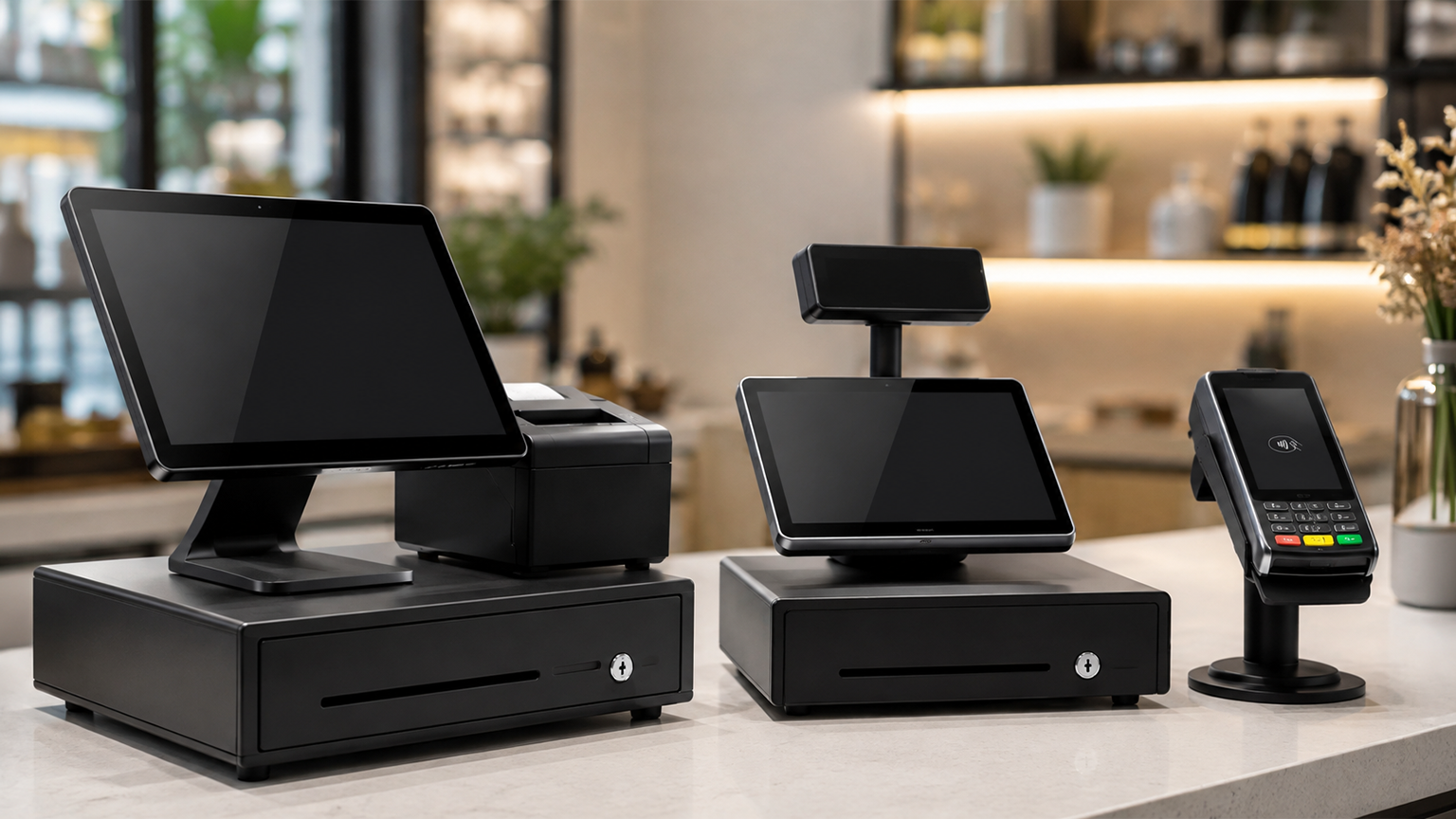
Although POS systems, cash registers, and credit card machines all help you accept payments at checkout,
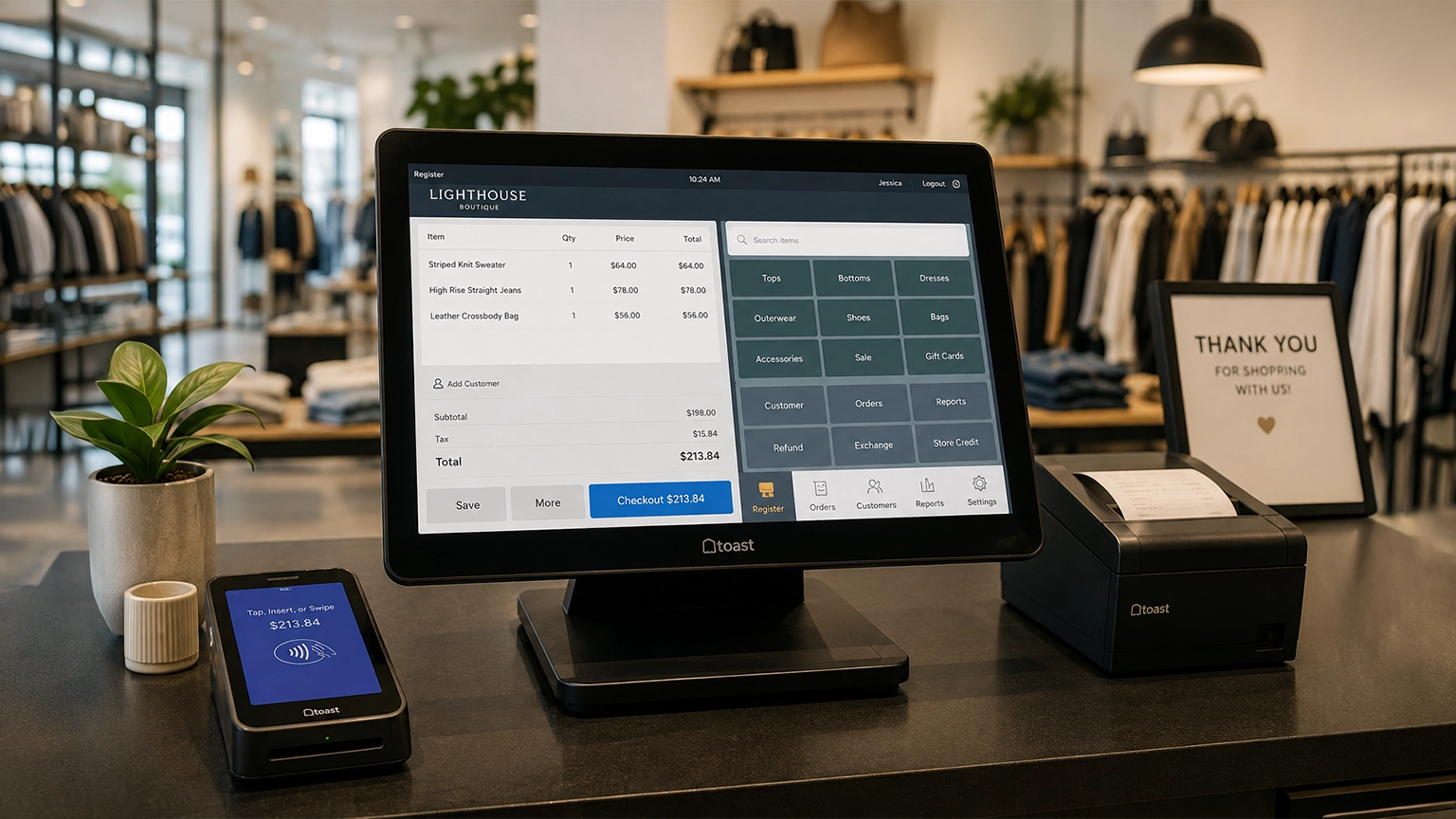
Retail POS systems do much more than process payments. Depending on your provider and plan, they